
Your phone rings during every busy window, which is exactly when no one can answer it. That gap is where reservations go missing and no-shows go unreminded. Roughly 30% of restaurant calls go unanswered during peak service hours, and no-show rates can run as high as 20% of bookings. Every held table that never fills is revenue your kitchen already prepped for. Automated restaurant reservation booking with AI can help close both of those gaps. With modern platforms, many restaurants can complete setup in under a day.
TLDR:
A well-configured AI booking system does more than answer the phone. It runs the full reservation cycle from the first ring to the confirmed booking, without pulling a staff member away from the floor. Here's what that loop covers on a single call:
Walk through these four inventory questions before you begin:
| What to inventory | What to note |
|---|---|
| Reservation system | OpenTable, Resy, Tock, SevenRooms, or a paper book at the host stand |
| POS | Toast, Square, Clover, SpotOn, or something older |
| How bookings arrive | Phone, web widget, third-party app, walk-in |
| Fields per booking | Name, party size, time, phone, seating preference, allergy notes |
If reservations live in a paper book, that's your first fix. AI needs a digital system to read and write bookings. Also note how bookings currently arrive: a restaurant taking reservations through three channels at once, phone, web widget, and walk-in, needs an AI that writes to a single shared book so nothing conflicts. Missed calls drain restaurant revenue even before a booking is attempted.
Work through these seven steps in order. Skipping ahead is where most setups break.

Two-way integration is what matters here. A read-only connection shows the AI your availability but can't write a confirmed booking back into the system of record. That gap can create conflicting bookings: the AI may confirm a table without recording it in the shared reservation system, leaving staff unaware that the table has already been promised to a caller.
Two-way sync closes that gap. The AI reads live table status, pushes each confirmed reservation into your book, and both sides update immediately, which is a core part of optimizing restaurant reservations with AI-powered systems.
Before go-live, confirm three things:
During service, voice AI for restaurant reservations checks live table status before confirming and paces bookings against expected table turn rates by party size, supporting improving customer wait time across a full service. When 7:30 fills, it offers the next open slot. When a cancellation lands, that table frees immediately for the next caller.
No-shows run as high as 20% of reservations at US restaurants, and every seat you held open is revenue that never walks in. Automated reminders are the cheapest fix: SMS reminders sent 24 to 48 hours ahead can cut no-show rates by 30 to 50%, per industry booking data.
Depending on its messaging and reservation integrations, an AI booking system can automate parts of that process:
A card on file or small deposit at booking tightens it further. A guest with money down is far less likely to ghost. Even a modest $10 hold changes the psychology of a cancellation from a no-cost decision into a deliberate one, which is where a large share of no-shows are prevented.
Most reservation calls fall into three common scenarios:
This reduces the likelihood of bookings or changes being lost during the handoff. Every modification or cancellation is logged with a timestamp and caller context, so your team has a clean record if a guest disputes their reservation later.
Brief your front-of-house team on what the AI covers and where reservations land. Set the escalation path so staff know which calls route to a live line, like large-party inquiries or a guest asking for the manager. This is especially relevant to AI reservation systems in fine dining. Clarify who picks up on transfer.
Then pilot before you scale:
Give the setup a few weeks, then judge it on key restaurant performance metrics, not gut feel. These are the ones that tell you whether it's working:
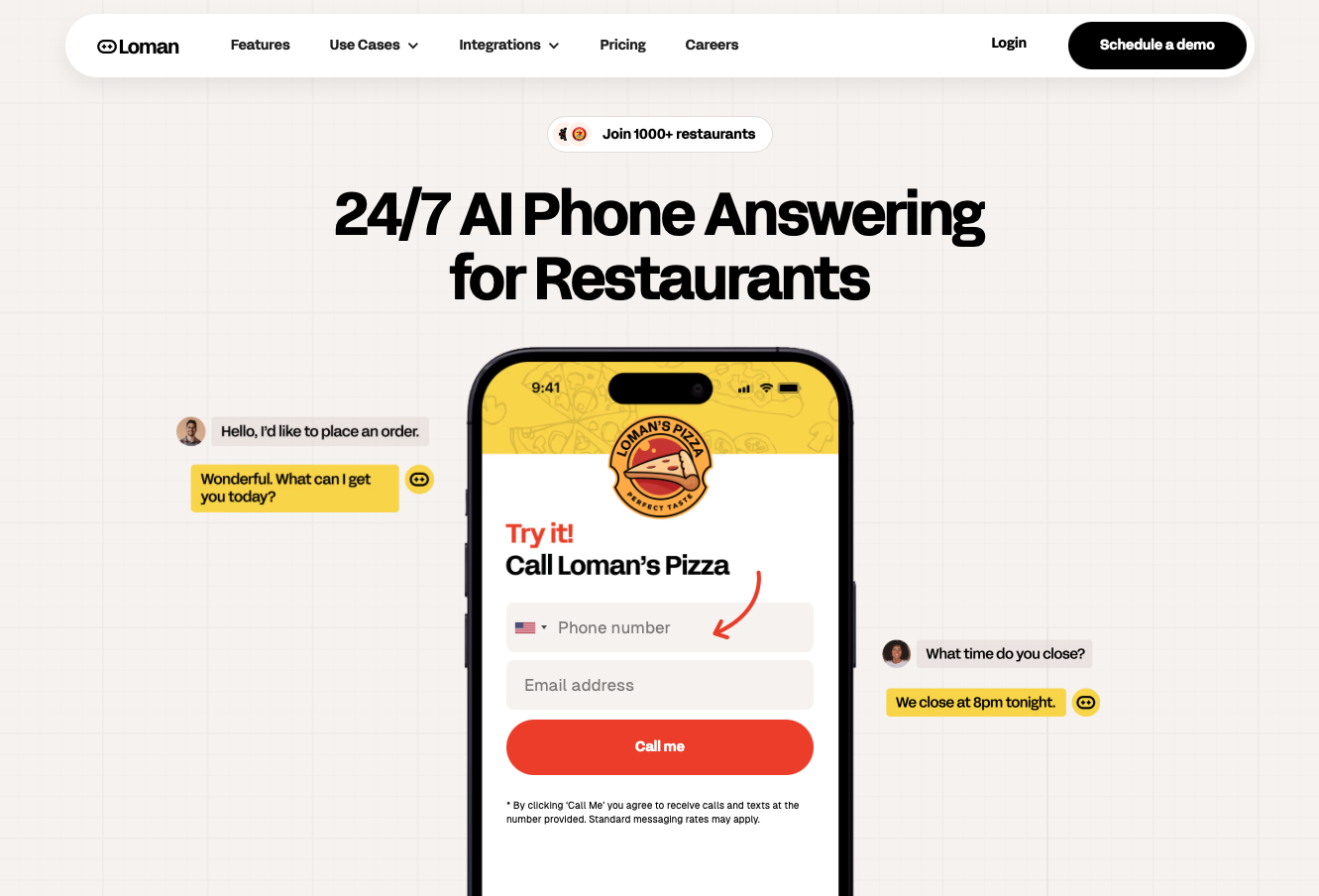
Loman AI is a voice AI phone agent built for restaurants, connecting directly with OpenTable to automate the full AI-powered restaurant reservation lifecycle over the phone. Connect your reservation system, confirm your hours and booking rules, and configure your call flow with no coding required. Most restaurants go live in under 24 hours, and white-glove setup is available if you want hands-on help getting configured.
Once live, Loman AI answers every inbound call, checks real-time OpenTable availability, confirms bookings, handles modifications and cancellations, and syncs each change to your OpenTable dashboard instantly. During peak hours, when call volume spikes, the system handles every line without putting guests on hold or routing to voicemail. This real-time synchronization reduces double-booking risk by keeping Loman AI and the OpenTable reservation book aligned.
Pricing starts at $199 a month with no per-minute charges, so variable phone labor becomes one fixed line item. Operators using Loman AI have reported up to 22% higher phone revenue and up to 17% lower labor costs. The owner of Midland Pizza Co. estimates that the restaurant would lose more than $200,000 annually in missed-call revenue without Loman AI. For multi-location groups, the same setup repeats at scale with per-store overrides, local phone numbers, and roll-up analytics.
Yes. Loman AI connects to your reservation system and uses its availability and booking rules to manage reservation calls, with no coding required. Most restaurants go live in under 24 hours, with white-glove setup available if you want hands-on help.
A read-only connection lets the AI see availability but cannot record a confirmed booking in the shared reservation book, which can leave staff and the AI working from different information. Two-way sync means Loman AI reads live table status from OpenTable and pushes each confirmed reservation back in real time, so updated table availability is reflected for subsequent callers as soon as the change syncs.
Look at four numbers after the first few weeks: reservation capture rate (calls answered versus bookings confirmed), no-show rate before and after reminders, modifications and cancellations handled without staff involvement, and staff hours freed from phone handling each week. Loman AI's dashboard shows live call logs, booking outcomes, and confirmation delivery status, going deeper than standard reservation reporting, which records the booking but not the call that created it.
The setup is a one-time lift, and the metrics tell you quickly whether automated restaurant reservation booking with AI is working for your service. Capture rate, no-show rate, and staff hours freed from the phone are the three numbers worth watching in the first month. Get those right, and the booking side of your operation runs without anyone managing it day to day. Loman AI is built for exactly this: handling every inbound call, checking live OpenTable availability, confirming the booking, and syncing each change back in real time, starting at $199 a month with no per-minute charges.
Enter your information in the form to receive a call from Loman and place an order like a customer would!

