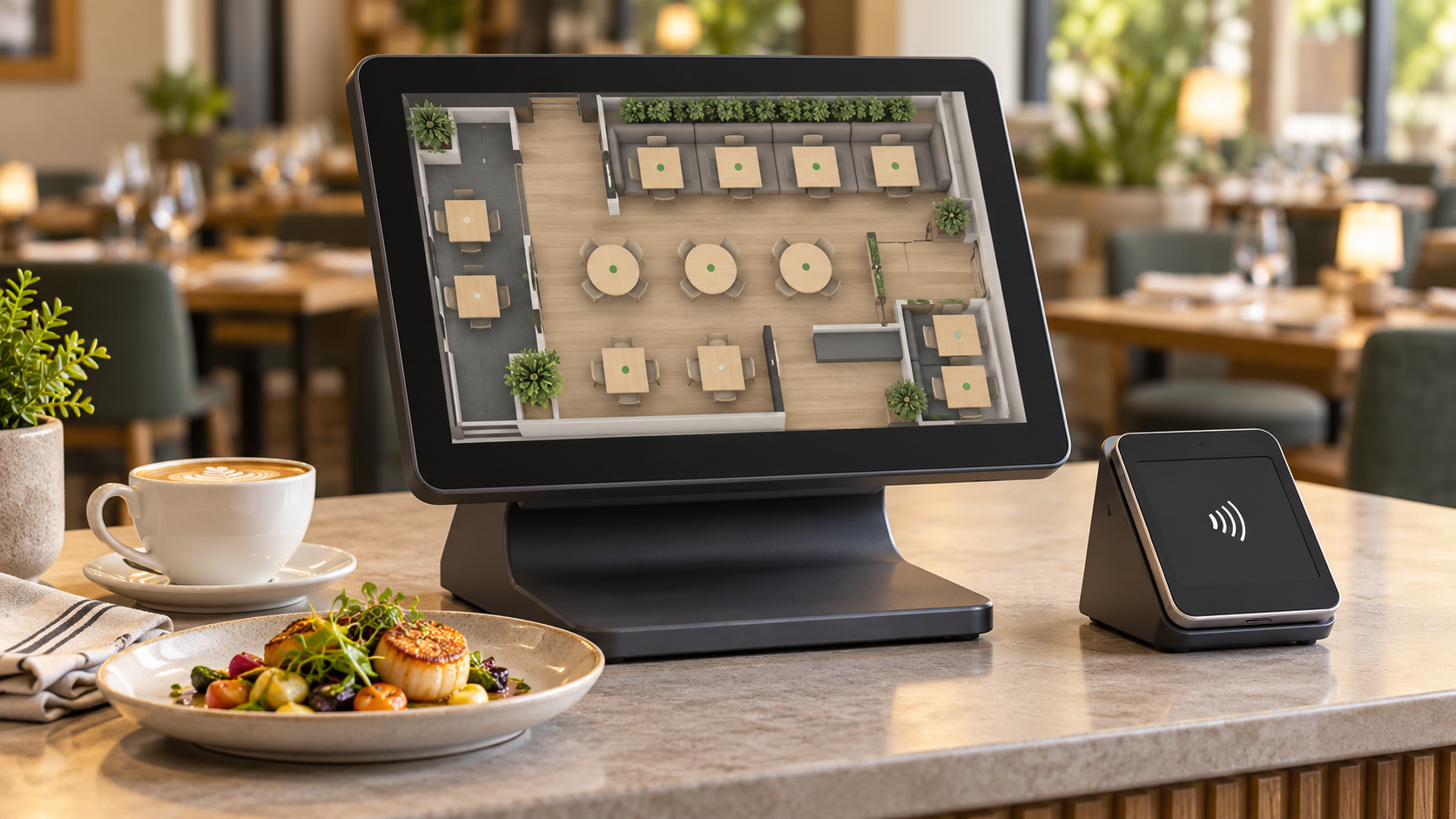
Choosing between a full POS system and a standalone payment terminal is one of the first decisions a new operator makes, and one that growing businesses revisit every time a contract renewal comes around. Heartland POS and Genius sit on opposite ends of that range: one is a complete front-of-house management system with inventory, scheduling, and reporting built in; the other is a payment device designed to layer onto whatever software you already run. Getting that distinction clear before you sign saves months of friction and a costly migration later.
TLDR:
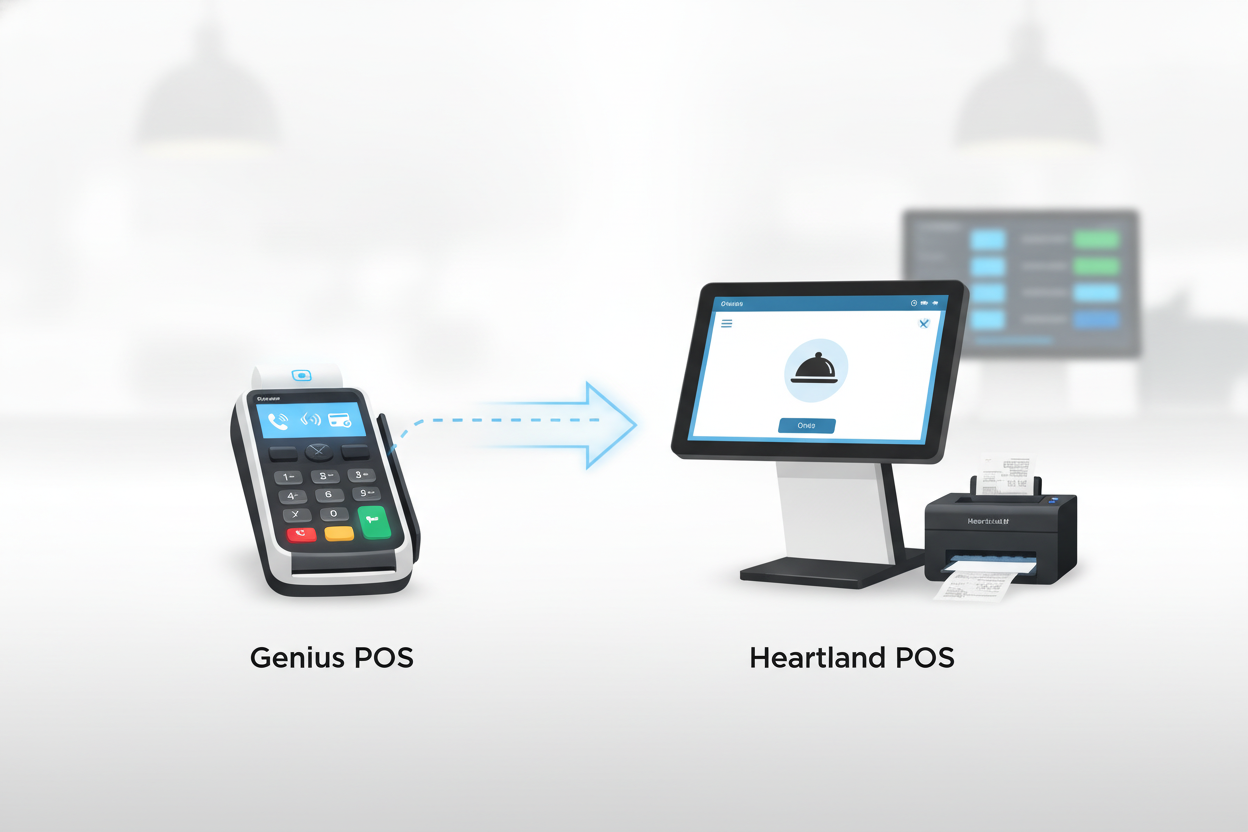
Genius is a payment processing terminal and software platform originally developed by Cayan, which was acquired by Heartland Payment Systems. It is primarily positioned as a customer-facing payment device that handles debit, credit, contactless, and mobile wallet payments at the point of sale. Genius is not a full-featured restaurant management system in the same way that Toast or SpotOn are. Its strength is payment flexibility and the ability to integrate with existing POS software instead of replacing it.
Genius terminals support EMV chip payment standards, swipe, NFC (Apple Pay, Google Pay), and PIN debit. The platform connects to back-office reporting and can sync with select third-party POS software. For restaurants using it primarily as a payment layer on top of another system, it handles split checks, tips, and voids. However, Genius does not publicly list dedicated table management, kitchen display routing, or reservation management features as core capabilities.
Genius is commonly found in retail counters, quick-service restaurants, and businesses that already have a POS backend and want a modern payment terminal. It suits operators who need a reliable, compliant payment interface without switching their entire management stack. Custom pricing means you'll need to contact Heartland directly for a quote based on your transaction volume and hardware needs.
Heartland POS (distinct from Genius terminals) is a full point-of-sale system designed for restaurants and retail. It covers order management, employee scheduling, inventory tracking, financial reporting, and integrated payment processing. Heartland positions its POS as an all-in-one solution for small to mid-sized operators who want a single vendor for both software and payment processing.
The Heartland POS system runs on purpose-built hardware, including countertop terminals, handheld devices for tableside ordering, and kitchen display systems. Installation is handled by local Heartland sales representatives, which many operators cite as a differentiator for hands-on setup support. The trade-off is less flexibility if you already own hardware or prefer a software-only deployment.
Heartland's built-in payment processing uses flat-rate pricing: 2.6% + 10 cents for in-person card transactions. The system integrates with over 75 third-party software tools, including payroll, accounting, and loyalty platforms. For restaurants running phone orders, Heartland's native phone-order workflow is limited. Operators handling high call volumes often add a dedicated voice AI layer to fill that gap. Heartland is not currently among the nine named integration partners for Loman's voice AI phone agent, so confirm compatibility with both teams before assuming native two-way sync.
| Feature | Heartland POS | Genius |
|---|---|---|
| Sales reporting | Yes (by daypart, server, item, payment type) | Transaction-level via Heartland portal |
| Inventory tracking | Yes (real-time, low-stock alerts, cost tracking) | Not listed as standalone feature |
| Labor/scheduling | Yes (time clock, scheduling, labor % of sales) | Not listed as standalone feature |
| Tip reconciliation | Yes | Yes (tip entry at terminal) |
| Multi-location dashboard | Yes (multi-site dashboard) | Via connected POS |
| Kitchen display routing | Yes (KDS routing) | Not listed as standalone feature |
| Standalone capability | Full POS system | Payment terminal layer |
Heartland POS includes custom sales reports, labor cost tracking, and end-of-day financial summaries. Managers can pull reports by daypart, server, menu item, or payment type, useful for identifying which service periods and items drive the most revenue. The reporting suite is included in the base subscription, not locked behind a higher tier.
Genius, as a payment terminal layer, provides transaction-level reporting through the Heartland portal. If you're using Genius on top of a different POS system, your broader reporting depends on that system's capabilities. Genius does not publicly list standalone inventory or labor reporting features.
Heartland POS tracks inventory counts in real time, triggers low-stock alerts, and can set item-level cost data for margin analysis. Multi-location operators can view inventory across sites from a single dashboard. For restaurants, the result is fewer stockouts during service and tighter food cost control, a priority given that, per NetSuite's guide to restaurant inventory management, most operators target six to seven days of food on hand to keep costs in check.
Genius does not publicly list dedicated inventory management as a standalone capability separate from a connected POS system. If inventory control is a priority, Heartland POS is the more appropriate evaluation target.
Heartland POS includes time clock, scheduling, and tip reconciliation features. Managers can track labor as a percentage of sales in real time, a key metric given that restaurant labor costs above historical averages now run at a median of 36.5% of sales for full-service operators, per the National Restaurant Association. Genius terminals handle tip entry and employee-number logins at the counter but do not include scheduling or labor reporting independently.
Heartland POS starts at $89/month for a single station. Transaction fees for in-person payments run 2.6% + 10 cents per transaction. More stations add to the monthly cost, and hardware is typically purchased or leased separately. Heartland sells through a local rep network, so negotiated pricing is common for multi-location deals, and published rates are starting points, not fixed prices.
Genius pricing is custom-quoted based on transaction volume, hardware configuration, and integration requirements. There is no publicly listed monthly rate. Businesses processing higher volumes may qualify for interchange-plus pricing instead of flat-rate, which can lower effective costs but requires closer monitoring of your statements.
Pricing examples:
Example 1: A small retail store processing $15,000/month with an average transaction size of $25 runs roughly 600 transactions. At 2.6% + 10 cents per transaction: ($15,000 x 0.026) + (600 x $0.10) = $390 + $60 = $450/month in processing fees, plus $89 base subscription = approximately $539/month, or about $6,468/year before hardware costs.
Example 2: A restaurant with 2 stations processing $30,000/month (average $20 ticket, roughly 1,500 transactions): processing fees = ($30,000 x 0.026) + (1,500 x $0.10) = $780 + $150 = $930/month in processing, plus base subscription and second-station cost. Total monthly spend would likely exceed $1,100. Contact Heartland for multi-station pricing specifics.
These are estimates. Actual costs depend on your transaction volume, average ticket size, station count, and the specific features you activate. Request custom quotes from both vendors for accurate pricing before making a decision.
| Category | Heartland POS | Genius |
|---|---|---|
| Monthly base cost | $89/month | Custom quote |
| Per-transaction fee | 2.6% + $0.10 per in-person transaction | Varies (interchange-plus available for high volume) |
| Hardware | Purchased or leased separately | Separate quote |
| Pricing model | Flat-rate | Custom/negotiated |
| Custom negotiation | Yes (multi-location deals) | Yes |
| Contract/commitment | Local rep contract | Custom agreement |
Pros:
Cons:
Pros:
Cons:
Heartland POS fits best for small to mid-sized operators who want a single vendor managing payments, reporting, and front-of-house workflow. Independent retail stores, boutique shops, and local grocery operations benefit from the flat-rate processing and built-in loyalty tools. Restaurants with tableside ordering needs, with servers carrying handhelds and routing tickets directly to kitchen displays, find the hardware ecosystem practical. If your business values predictable monthly costs, strong local support, and access to 75+ POS integrations without building a custom tech stack, Heartland is worth a serious look.
Restaurants fielding high call volume during peak hours should note that Heartland's native phone-order workflow is limited. Operators in that situation typically add a voice AI phone agent to handle calls and push orders into the POS, instead of relying on Heartland alone to manage phone traffic.
Genius is the better fit when you already have a POS system and need a modern, compliant payment terminal to sit in front of it (see Heartland POS alternatives if you're still weighing your options). Quick-service counters, food trucks, and pop-up retail operations that already run back-office software benefit from Genius's flexibility as a payment layer. Restaurants with complex table management, reservation routing, or multi-channel order aggregation needs will find Genius insufficient on its own.
Key factors when deciding: your current tech stack, monthly transaction volume (which determines whether flat-rate or interchange-plus pricing saves you money), how much local support matters to your team, and whether you need integrated inventory and labor reporting or can manage those separately.
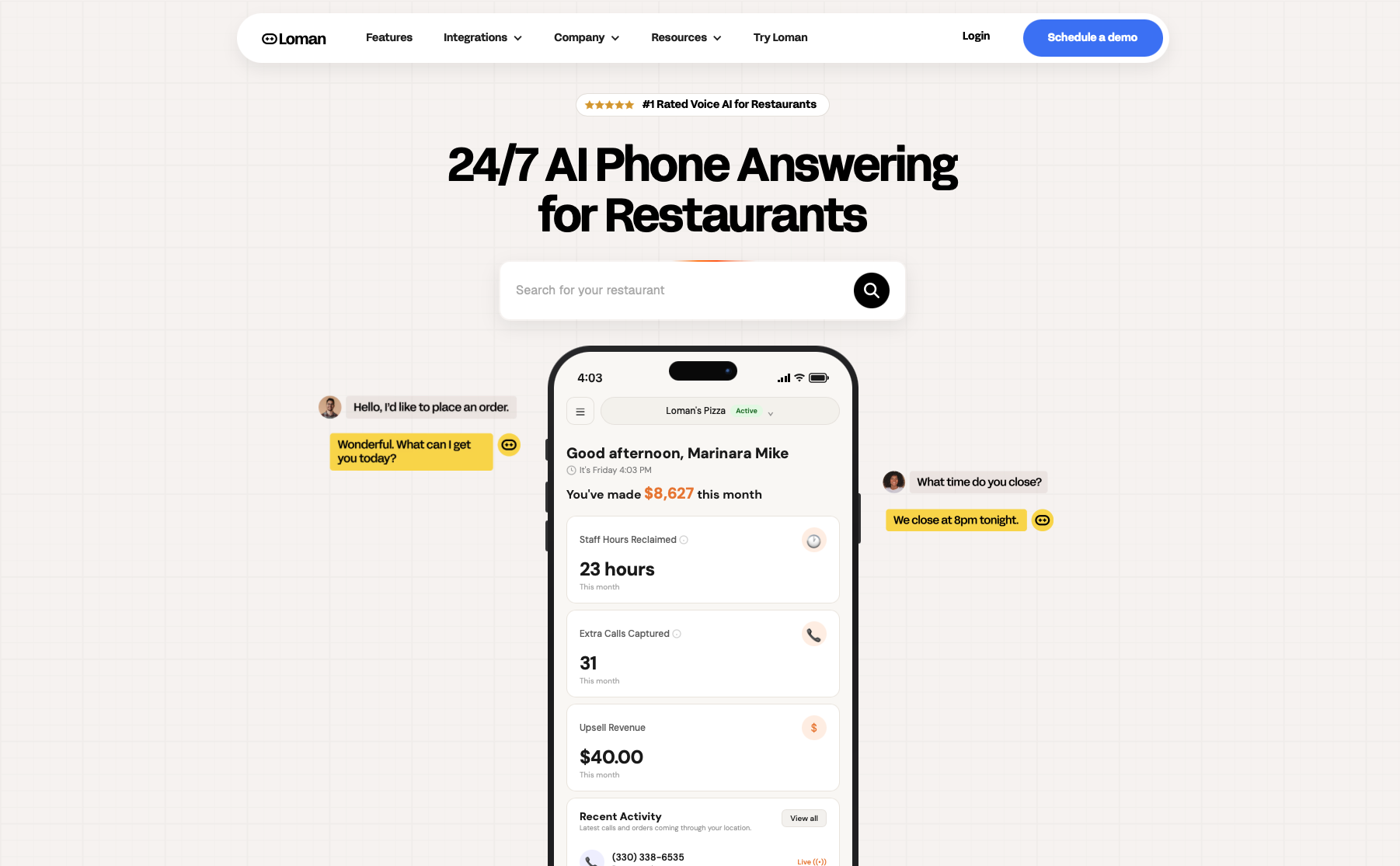
Heartland POS covers front-of-house workflow, inventory, and scheduling well, but its native phone-order workflow is limited. Calls that come in during a dinner rush still need a human to answer, write down the order, and key it into the terminal by hand, and the calls that don't get answered go to a competitor. Operators dealing with that volume typically add a dedicated voice AI phone agent on top of Heartland.
Loman answers every call, pushes orders directly into supported POS systems, and operators using Loman report up to 22% higher phone revenue with up to 17% lower labor costs. Crust Pizza put it plainly: "This paid for itself in 10 days. Phones are calm, tickets are bigger, and my team refuses to go back." Heartland is not currently among Loman's nine named integration partners, so confirm compatibility before assuming native two-way sync. If phone orders are costing you tickets, see a live demo.
Heartland POS is not currently among Loman's nine named integration partners, so confirm compatibility directly with both teams before assuming native two-way sync. If you run Heartland and handle high call volume, a voice AI phone agent that pushes orders directly into your POS, without manual re-entry, is worth weighing as a separate layer.
Heartland POS is the right evaluation target if you need inventory tracking, labor reporting, kitchen display routing, and financial summaries under one subscription. Genius is a payment terminal layer designed to sit on top of an existing POS backend; it does not publicly list standalone inventory, scheduling, or kitchen display features.
Multiply your monthly card volume by 2.6%, then add $0.10 per transaction, and compare that total against your current processor's effective rate. At $30,000 per month with roughly 1,500 transactions, Heartland's processing fees run approximately $930; knowing that number before you sign tells you whether flat-rate or interchange-plus pricing works in your favor.
If you need a single vendor for payments, inventory, scheduling, and reporting, Heartland POS is the right evaluation target. Genius fits a different profile: operators who already have a POS backend and need a modern payment terminal in front of it. Neither closes the phone-order gap on its own; restaurants with high call volume typically layer in a voice AI agent to answer every call and push orders directly to the POS. If that describes your operation, book a demo to see how it fits your setup.
Enter your information in the form to receive a call from Loman and place an order like a customer would!

