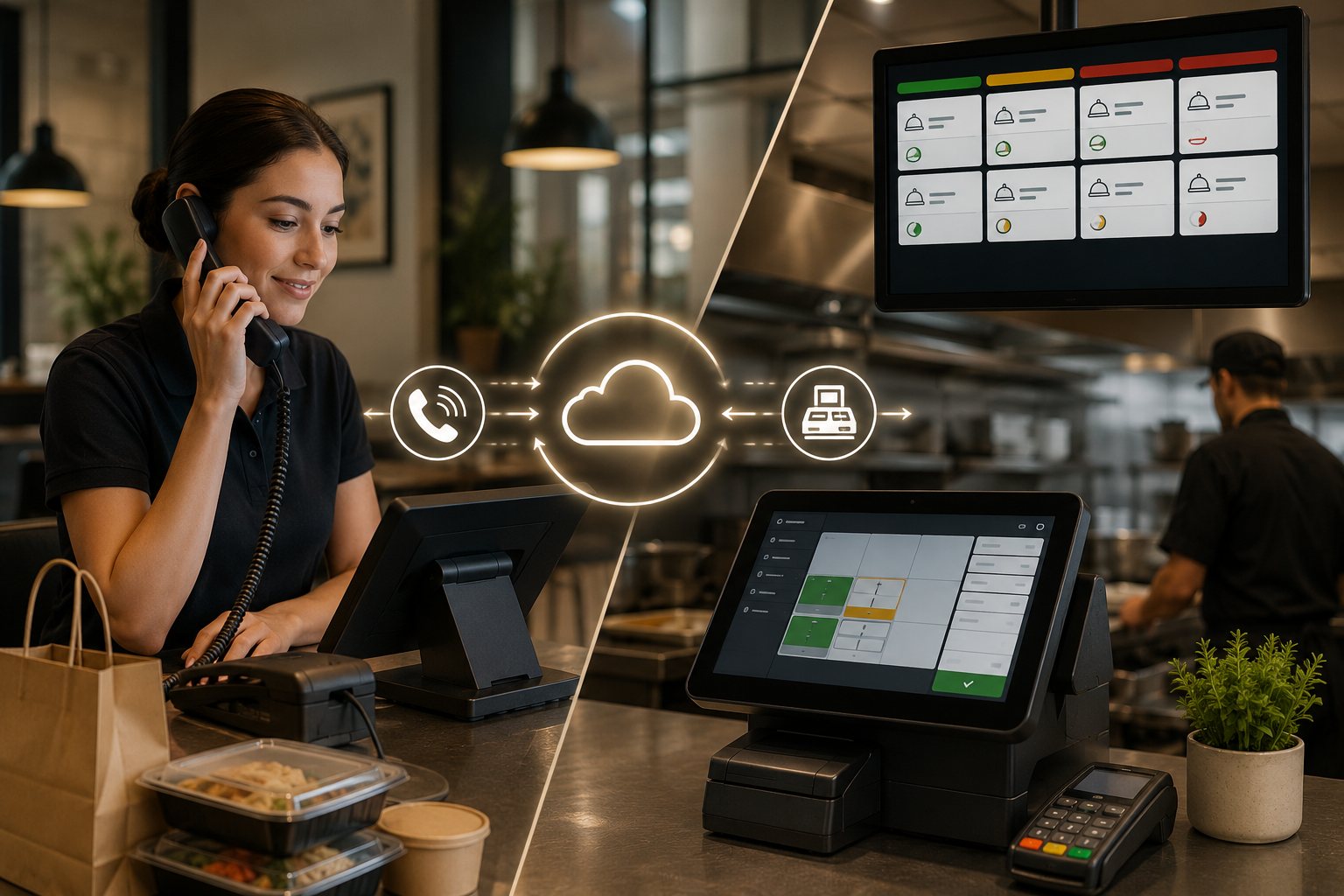
You pay for an AI phone system, it takes the order cleanly, and the ticket lands as an email someone prints and re-keys by hand. What to look for in a restaurant AI phone system POS integration is two-way sync that reads your menu live: price changes, 86'd items, modifier updates, and writes confirmed orders back as finished transactions your kitchen display already knows how to read. When the connection only goes one direction, staff still handle the order manually, which defeats the point of automation in the first place.
TLDR:
A phone system that reads your menu but cannot push orders back into the POS leaves staff doing the work you wanted gone. Two-way sync moves data both directions at once: the AI pulls live information mid-call and writes confirmed orders back instantly.
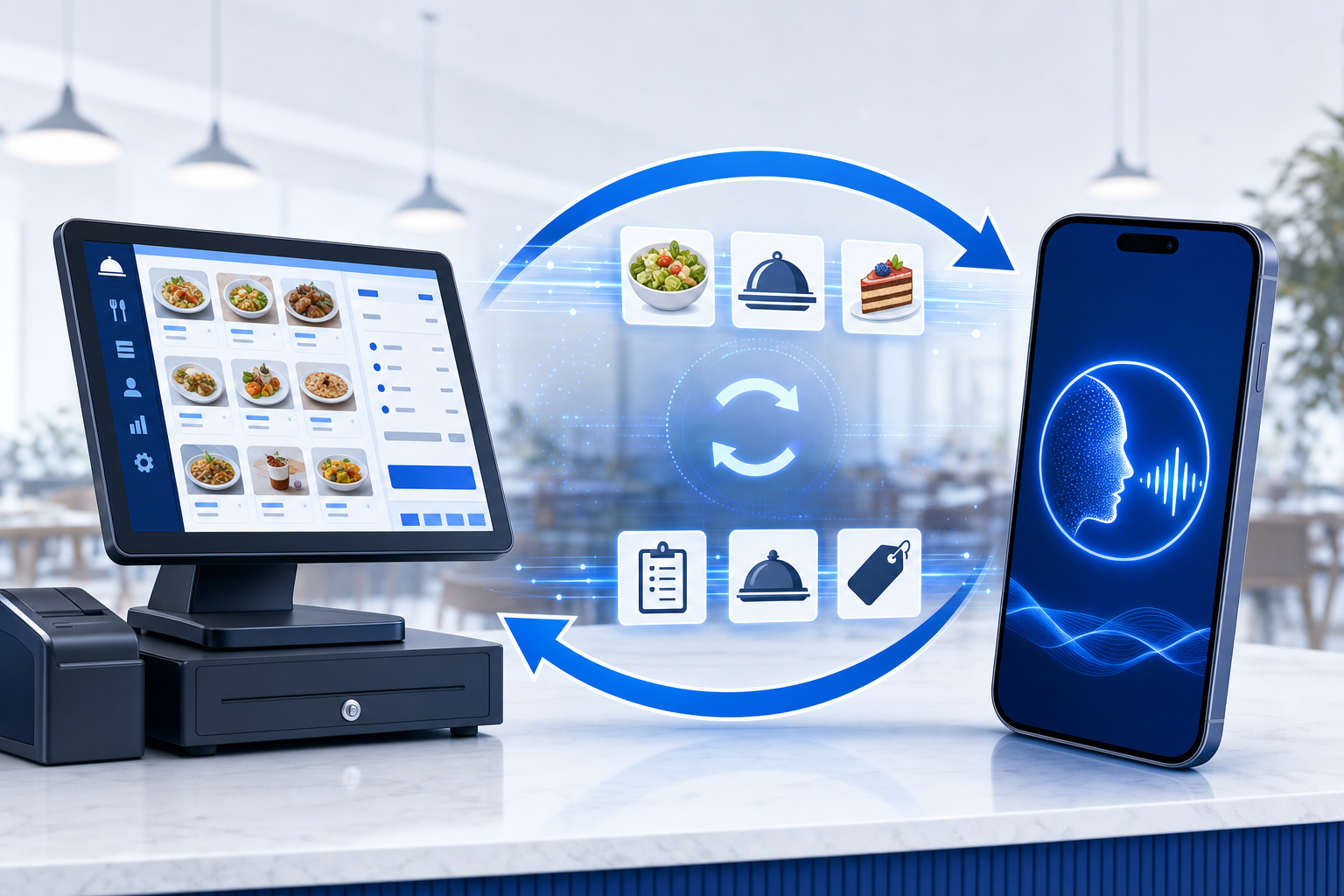
What it reads:
Read-only connections still arrive as messages someone transcribes during the rush, reintroducing typos and dropped tickets.
The gap that hurts most opens when the kitchen changes something mid-shift and the phone keeps quoting the old menu. True sync closes that gap at the call, not on a nightly batch.
Here is what should update the instant your POS does:
If sync lags, callers hear yesterday's menu and your staff fields the cleanup calls, losing the gains AI delivers.
The order has to land in the same place as everything else, a standard that modern AI restaurant phone systems are built to meet. A phone order that injects as a native POS transaction prints to the same kitchen display your counter and kiosk tickets flow through. The line cook reads it in the same queue, no separate screen to watch.
Two things decide whether that holds up under a rush:
Ask any vendor where a phone order shows up and whether anyone has to touch it first.
The difference between a system that books revenue and one that collects names comes down to payment. Ask whether the AI takes card details and runs the charge through your POS during the call, or whether it captures a number and promises a callback.
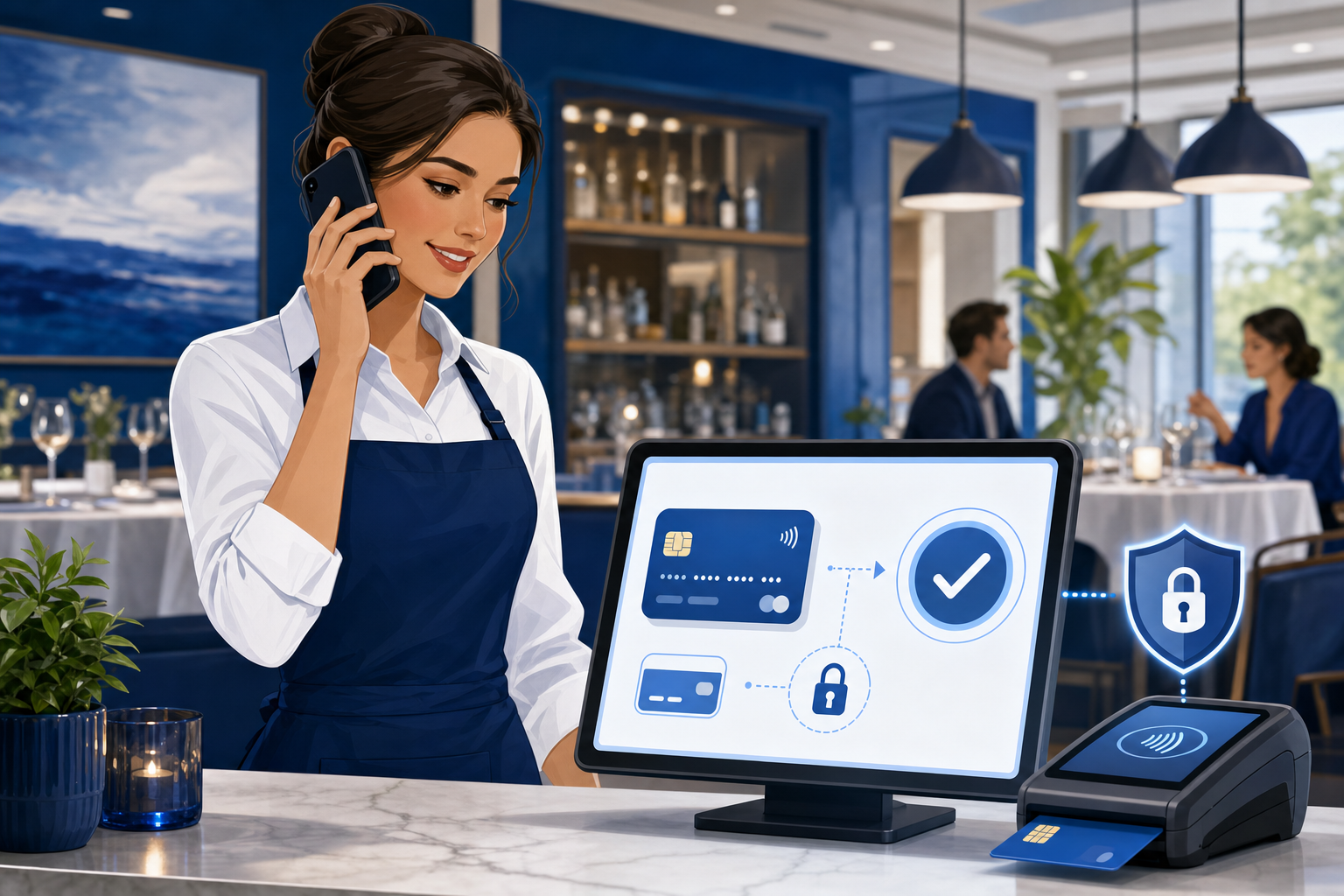
That callback loop is where orders die. Every handoff gives the caller a reason to hang up and order somewhere faster, often through a delivery app charging commissions of 15% to 30%.
The math is plain. A restaurant fielding around 150 missed calls a month, at a $38 average takeout ticket, can lose over $28,000 a year. Completing payment during the call helps reduce order abandonment once an order has been placed.
Ask any vendor one question first: does the connection plug straight into your POS, or route through a middle layer? AI phone system POS integration requires understanding these connection types. Native connections with Toast, Square, Clover, and SpotOn read and write directly. Aggregator setups sit a step removed, and that distance is where tickets stall.
| Integration type | How the order moves | What it costs you |
|---|---|---|
| Native POS connection | Order writes directly into the POS and KDS | No re-entry, real-time menu reads |
| Middleware or aggregator layer | Order passes through a third system first | Added lag, more failure points |
| Email or message parsing | A ticket gets transcribed by hand | Typos, dropped orders during the rush |
Confirm your exact POS and version before signing anything, especially when considering platforms like Toast. A vendor that lists "Toast support" may mean a direct connection on one plan and a workaround on another.
Capacity is the test that only shows up when every line lights at once. A clean single-call answer means nothing if the next three drop, so ask whether a system handles unlimited simultaneous calls or caps concurrency at a fixed ceiling.
Some systems limit the number of concurrent calls they can handle, which can become a problem during busy periods. Past the cap, the next caller gets a busy signal.
One dropped call is concrete: a missed reservation for four can run up to $200, and 78% of customers book with the first business that answers.
A modifier is where spoken language meets a rigid data structure, and that translation is where accuracy lives or dies. "Swap the fries for a side salad, medium, no onions" has to map to exact POS fields the kitchen reads, not a free-text note a cook squints at.
The customizations that trip up weaker systems, particularly those without Toast voice AI integration:
Ask a vendor for its order accuracy rate, and what happens to a wrong field. Anything below the high 90s moves your labor from answering phones to fixing tickets.
Most setups are dashboard work, not a developer project. You connect your POS, import the menu, set greetings and call rules, and go live. The real version: it takes menu upload and call-flow configuration, so it isn't zero-effort, but it typically requires no custom coding or dedicated IT staff. Many restaurants are answering live calls in under 24 hours, seeing how POS integration impacts workflow from day one. Ask whether a vendor matches that, or quotes you weeks of POS coordination first.
Order taking is one job. Reservations are another, and full-service spots need both on the same call. Ask whether the system connects to OpenTable, SevenRooms, or Resy, checks open tables live, and writes bookings, changes, and cancellations straight back.
What separates full lifecycle from a glorified notepad:
If a system books but cannot read availability, you are still managing tables by hand.
Phone orders that vanish into a separate dashboard force you to cross-check two sets of numbers at close. Ask whether call revenue lands in the same end-of-day sales report as counter and online orders.
What to confirm:
Split reporting means someone stitches the totals together by hand every night.
No integration runs clean forever, and the failures cluster in predictable spots.
Where things go wrong first:
Press every vendor on visibility, alerts, offline fallback, and support response time. A connection that breaks at 7 on a Friday cannot wait for Monday.
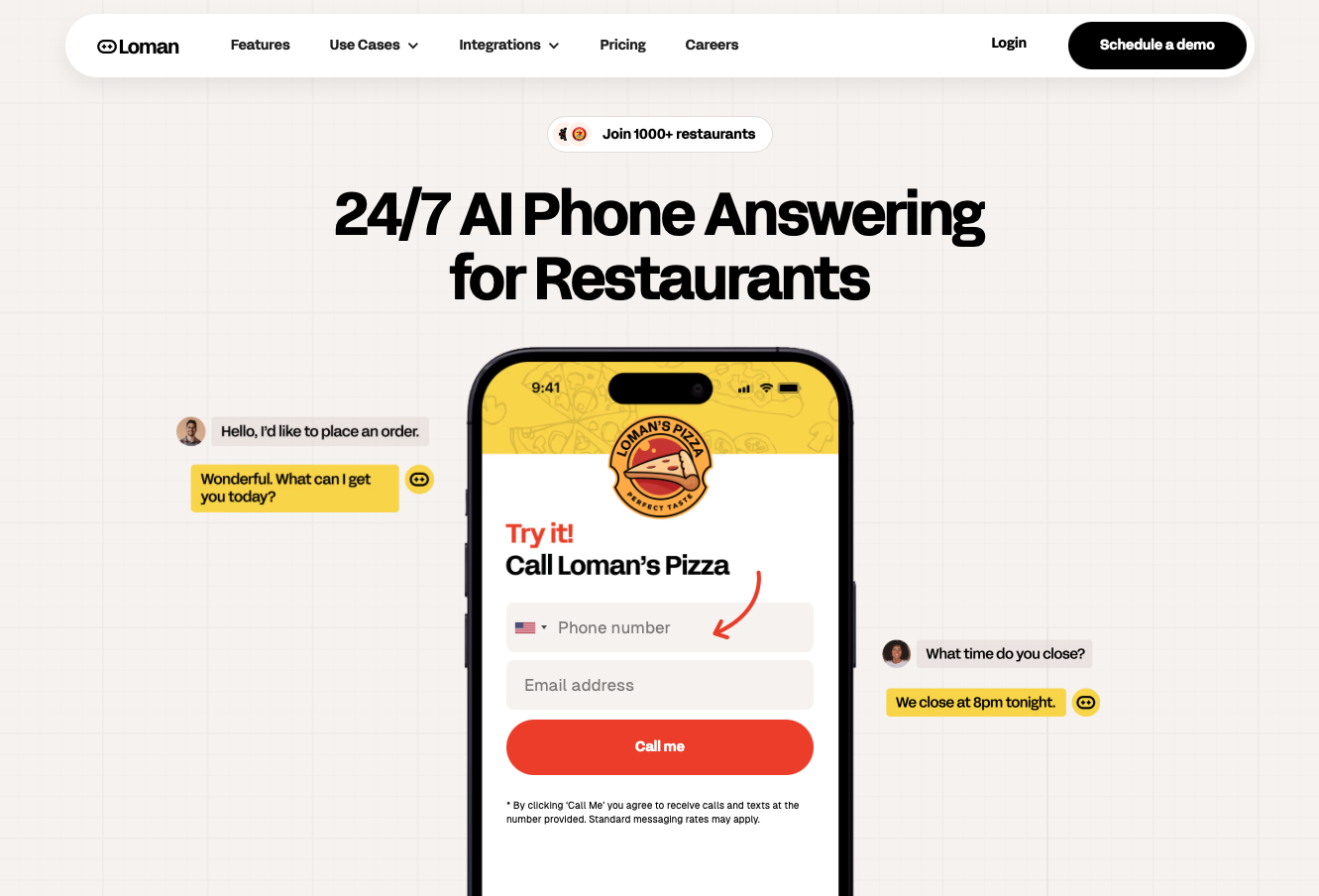
Every checklist item maps to something we built into Loman on purpose. We connect natively with Toast, SpotOn, Square, Clover, SkyTab, and Aloha by NCR, pushing orders straight to the POS and KDS while reading your live menu so 86'd items, price changes, and modifiers update mid-call on their own.
Secure in-call payment closes the charge before the caller hangs up, and unlimited concurrent calls mean no busy signal. Most restaurants go live in under 24 hours with no coding. Operators using Loman report up to 22% higher phone revenue and up to 17% lower labor costs, improving order accuracy and upselling while clawing back calls that cost the industry an estimated $20 billion a year. That matters when the National Restaurant Association reports labor running above 36% of sales.
"This paid for itself in 10 days. Phones are calm, tickets are bigger, and my team refuses to go back."
Nick Haselidis, Owner, Crust Pizza
Yes. Native POS integrations with Toast, Square, Clover, and SpotOn let orders push directly into your POS and KDS with no coding, API work, or dedicated IT staff required.
Two-way integration reads live menu data (pricing, 86'd items, modifiers) mid-call and writes completed orders directly back to your POS, so staff never touches the ticket. Read-only connections still require manual transcription during the rush.
Ask whether 86'd items, price changes, and modifier updates sync to the AI the instant they update in your POS, or whether the system pulls menu data on a nightly batch that leaves callers ordering items you ran out of at 7.
Confirm the AI takes card details and runs the charge through your POS during the call itself, not after a callback loop. In-call payment completes the transaction before the caller hangs up and eliminates the abandonment risk that comes with manual follow-up.
Some systems limit the number of concurrent calls they can handle, which can create busy signals during peak periods. Ask whether the system supports unlimited simultaneous calls before signing anything.
The connection between your phone system and POS is where most automation promises break. Knowing what to look for in a restaurant AI phone system POS integration comes down to one test: a real integration reads your menu mid-call and pushes completed orders to the same kitchen display your counter uses, no re-entry required. Loman was built to clear that bar, connecting natively with your POS so phone orders land as finished tickets. That move starts now: see how it runs on your setup before the next dinner rush hits.
Enter your information in the form to receive a call from Loman and place an order like a customer would!

