
Most restaurants running Aloha by NCR have their in-store operations under control. The weak point is the phone. Every call that rings out during a dinner rush is a $48 order that never makes it to the kitchen, and roughly 85% of those callers won't try again. This post walks through why the phone gap exists in Aloha restaurants, what a restaurant-specific voice AI agent actually does to close it, and what to look for before choosing one.
TLDR:
NCR Aloha is one of the most established POS systems in the restaurant industry. It manages table orders, tracks inventory, handles payment processing, and gives your kitchen team a clean ticket flow. For in-store operations, it handles the job well. For a closer look at how it stacks up across features and pricing, see the Aloha POS full review.
The gap shows up when the phone rings. Aloha is a point-of-sale system - it handles the transactions your staff inputs. It was never designed to answer calls, take orders from callers, or route those orders into your kitchen workflow. That work still falls to whoever is nearest the phone during the rush, which is usually the person who should be on the floor.
This is not a criticism of Aloha. A POS is built to manage what happens at the counter. The phone channel is a separate problem, and Aloha leaves it to you to solve.
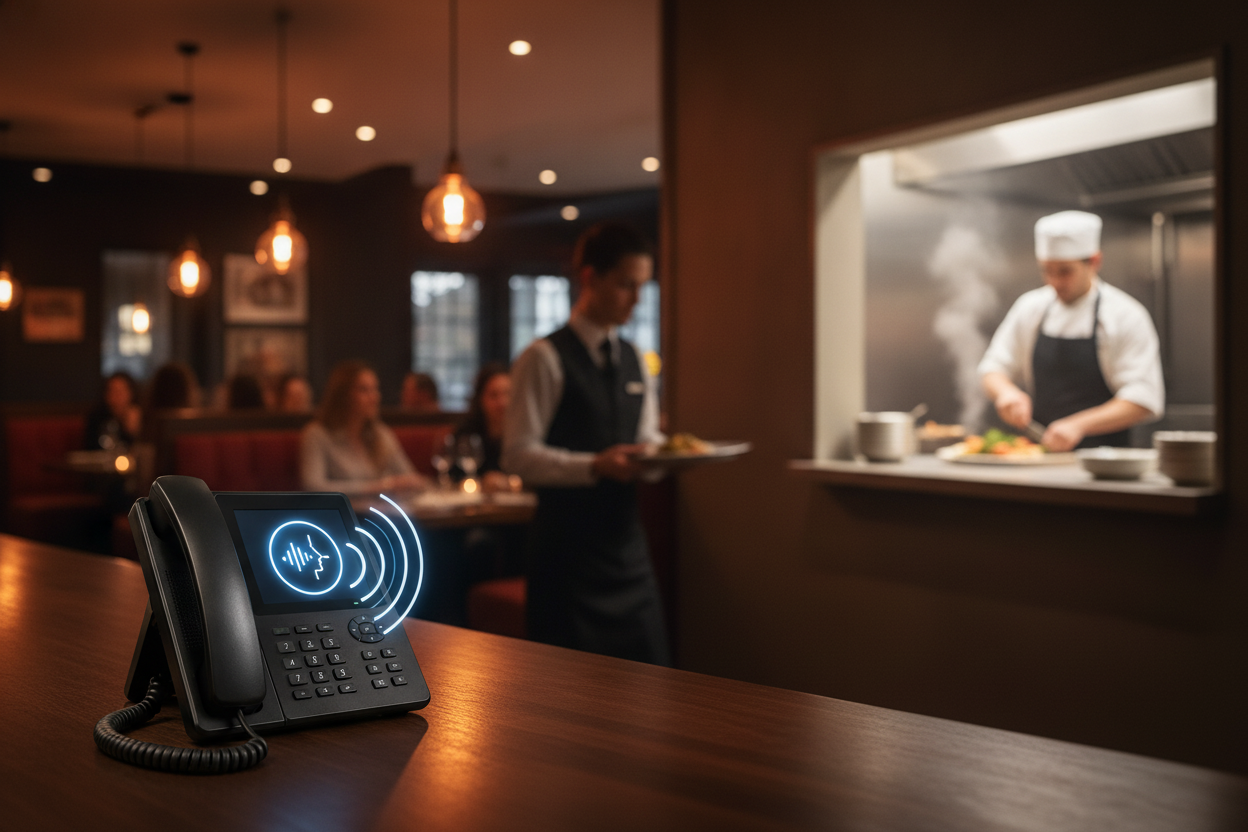
An unanswered call carries a real cost. Restaurants average roughly 150 missed calls per month, and roughly 85% of callers do not call back after an unanswered call, according to industry research frequently attributed to BIA/Kelsey. Each missed call represents a phone order averaging $48, about $7 more per ticket than the average online order.
When orders do not come in through your phones, guests shift to third-party delivery apps. Those apps charge base commissions of 15% to 30% per order, with all-in fees reaching 30% to 40% once marketing charges and service fees are added. Direct phone orders avoid that cost entirely and keep more of each sale on your side of the ledger.
Your staff faces a difficult split during service: stay focused on in-house guests or step away to handle the phone. During a dinner rush, neither option works well. The phone either gets ignored or pulls a team member off the floor at exactly the wrong moment.
A restaurant-specific AI phone agent picks up every call, takes the full order including modifiers and substitutions, and pushes the ticket straight into Aloha. No staff member re-keys anything. The order shows up in your POS and kitchen display the same way a counter order does, clean, with every modifier already attached.
The key capabilities to look for in any Aloha-compatible AI phone agent (for a broader breakdown of how these integrations work, see restaurant AI phone and POS integration):
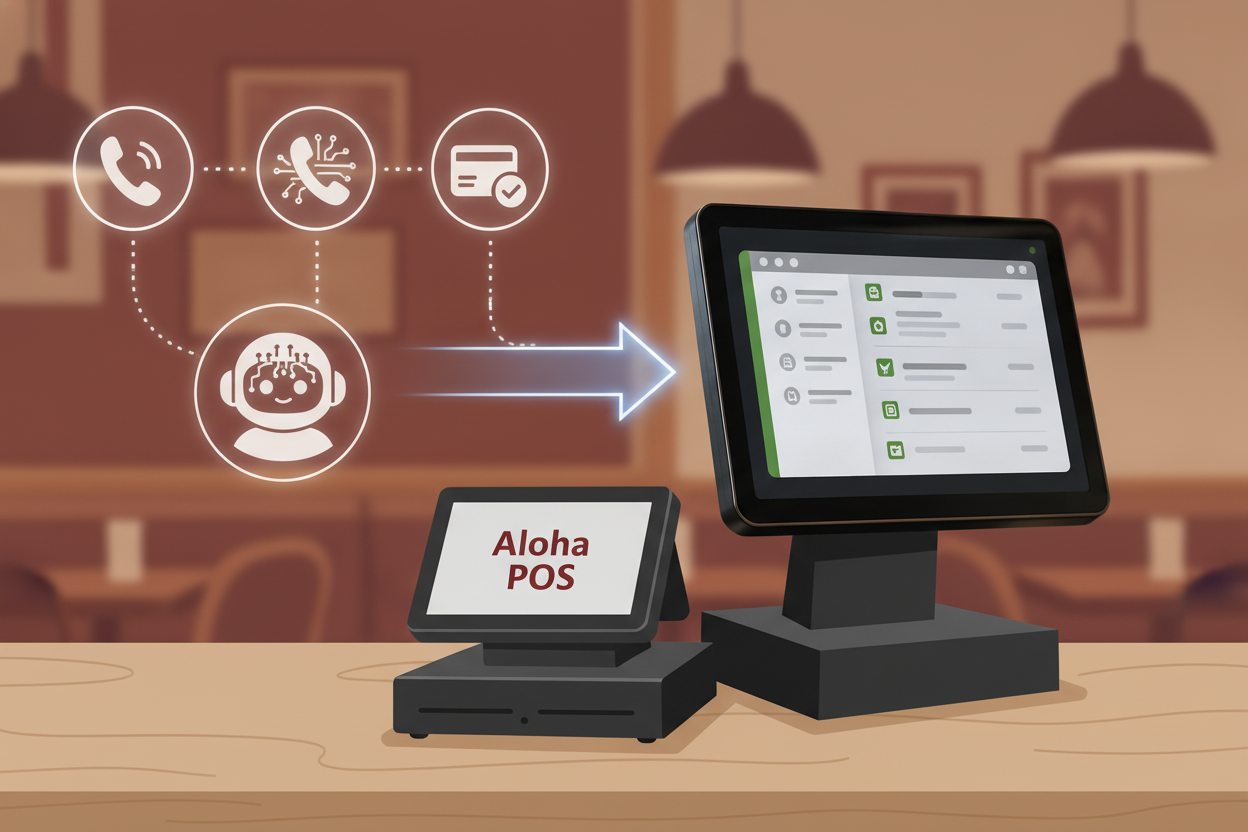
Loman AI integrates directly with Aloha by NCR. Every call is answered by an AI voice agent that reads your live Aloha menu, takes the full order with modifiers, and pushes the confirmed ticket into your POS and KDS. Your kitchen gets the order the same way it gets every other ticket - with no re-entry and no guesswork.
If an item has sold out, Loman catches it in real time and lets the caller know. If your specials changed, callers hear the current version. Payment processes in-call through the Aloha integration, so guests arrive for pickup with orders already in the system and no friction at the counter.
For restaurants that take reservations, Loman handles those too - booking, modifying, and canceling over the phone while syncing back to your reservation system automatically.
Nick Haselidis, owner of Crust Pizza, put it directly: "This paid for itself in 10 days. Phones are calm, tickets are bigger, and my team refuses to go back. I'll never get rid of Loman."
Setup takes under 24 hours for most restaurants. Connect your Aloha account, import your menu, configure your greeting and hours, no coding or dedicated IT required.
Aloha restaurants evaluating phone coverage have three realistic paths: a restaurant-specific AI phone agent like Loman, a generic AI answering service, or continuing with human staff on the phone. Here is how those options compare on the factors that matter most during service.
| Factor | Loman AI + Aloha | Generic AI answering service | Human phone staff |
|---|---|---|---|
| Setup time | Under 24 hours | 1 to 3 business days | Immediate (hire and train) |
| Cost per call | Fixed monthly, near-zero marginal cost | Per-call or per-minute software fee (does not publicly list exact rate) | Hourly wage plus overtime |
| Order pushed to Aloha | Direct push to POS and KDS, no re-entry | No - takes a message only | Manual re-entry by staff |
| Live menu sync | Real-time from Aloha, including 86'd items | No menu connection | Only what staff has memorized |
| Concurrent calls | Unlimited | Does not publicly list limits | One call at a time |
| Built-in upselling | Yes, on every call | No | Variable by staff member |
| In-call payment | Yes, through Aloha integration | No | Yes, manually |
| Availability | 24/7, every day | Hours vary by service | Scheduled hours only |
A generic AI answering service takes calls and logs messages - it does not close orders or sync with Aloha. Human staff process orders accurately but carry labor costs that spike at exactly the moments call volume is highest. Restaurants should confirm what any voice AI system actually integrates with before committing to a contract.
Restaurants that add Loman to their Aloha setup report consistent patterns: fewer phone interruptions for staff, cleaner ticket flow to the kitchen, and more orders captured during peak hours. Operators using Loman report up to 22% higher phone revenue and up to 17% lower labor costs.
Crust Pizza paid for the system in 10 days. Tony Boloney's adds 75 to 100 extra orders per month per location, as reported by the operator. Midland Pizza Co. estimates they would lose over $200,000 a year without Loman handling their phone channel.
The pattern across those outcomes is consistent: every call that previously rang out becomes a completed order, with the ticket already in the kitchen by the time the caller hangs up. Staff stay on the floor, and the phone channel stops being a liability during the busiest hours.
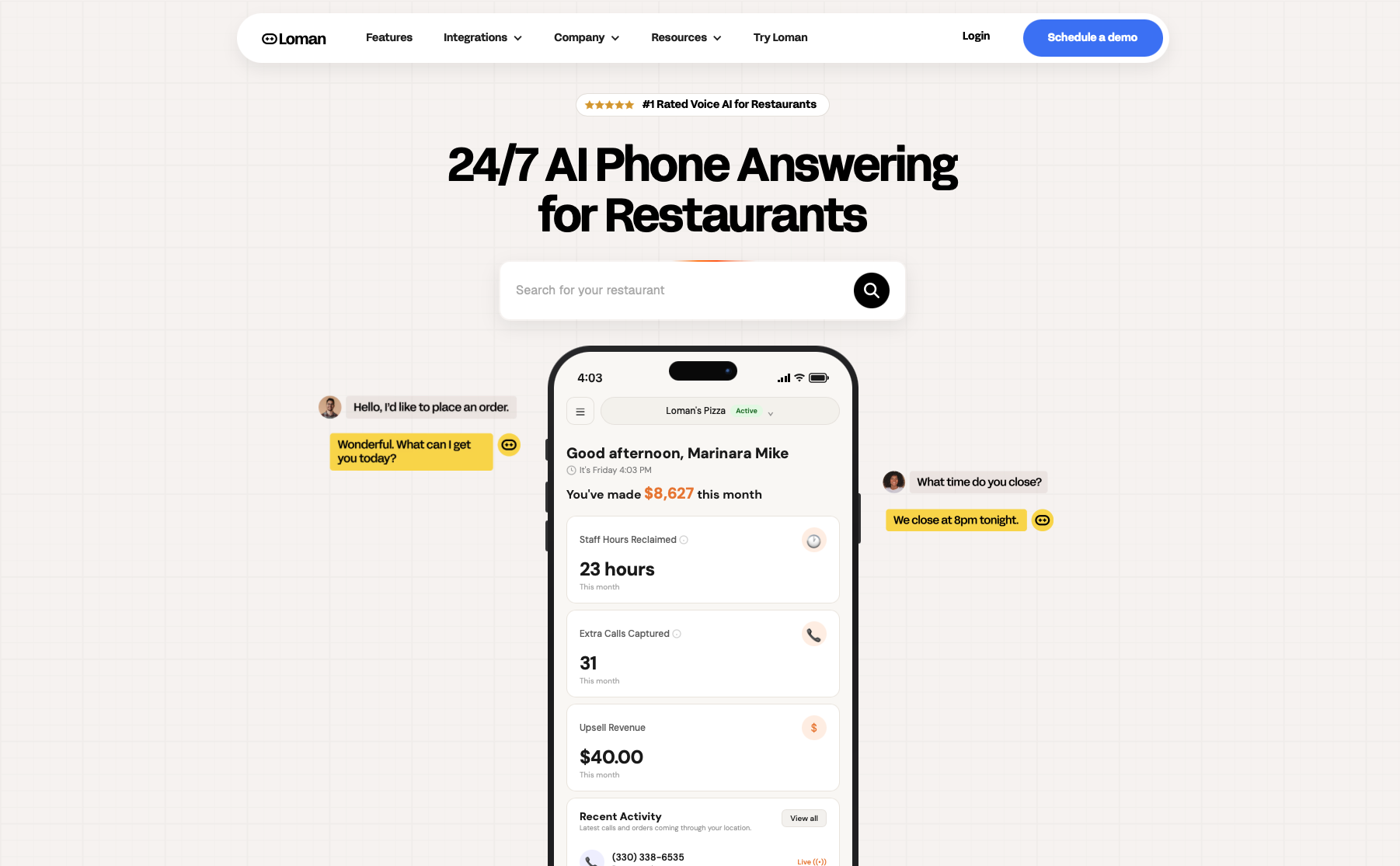
Loman AI was built specifically for restaurants, not adapted from a generic call-center product. The integration with Aloha by NCR runs two ways: Loman reads your live Aloha menu in real time during every call, and pushes confirmed orders and payments straight back into your POS and KDS as standard tickets. There is no re-entry, no workaround, no separate queue for staff to check. Your kitchen gets the phone order the same way it gets a counter order.
The difference that matters most during service is that Loman closes the order before the caller hangs up. It handles full modifier stacks, substitutions, and mid-call changes. It catches 86'd items automatically and tells callers in the moment. Payment goes through in-call via the Aloha integration, so guests arrive at pickup with orders already in the system and nothing to reconcile at the counter. Operators using Loman report up to 22% higher phone revenue and up to 17% lower labor costs.
Setup takes under 24 hours for most Aloha restaurants. You connect your account, import your menu, and configure your greeting and hours. No coding or IT team required. Crust Pizza owner Nick Haselidis said it best: "This paid for itself in 10 days. Phones are calm, tickets are bigger, and my team refuses to go back." That is the outcome the phone channel should be delivering. See it in action at loman.ai/demo.
Loman AI answers every inbound call, takes full orders including modifiers, handles reservations, answers menu and policy questions, and pushes completed tickets straight into your Aloha POS and KDS. Callers pay in-call through the integration. Your staff never re-keys a phone order.
Loman connects directly to your Aloha account and reads your live menu in real time. When an item is 86'd, Loman catches it and tells callers automatically. Confirmed orders push to your POS and KDS as standard tickets - the same flow as a counter order - with no manual entry by staff.
Most restaurants go live in under 24 hours. The process covers connecting your Aloha account, importing your menu, and configuring your greeting, hours, and call-flow rules. No coding or dedicated IT team is required.
Pricing starts at $199/month. That covers unlimited calls with no per-minute charges. For a restaurant fielding 150 or more calls a month, the per-call cost is a fraction of the average $48 phone order value.
Yes. Loman was built for restaurant conversations, covering split toppings, substitutions, stacked modifiers, and mid-call changes. The agent reads your Aloha menu in real time, so it only offers what is available and reflects current pricing automatically.
Aloha by NCR handles the floor well. The phone is a separate problem, and it costs real money every service that goes unaddressed. A restaurant-specific voice AI agent that integrates directly with Aloha (reading your live menu, closing full orders in-call, and pushing clean tickets to your kitchen) turns the phone channel from a liability into a consistent revenue source. Loman AI does exactly that, with Aloha operators reporting up to 22% higher phone revenue and labor costs down by up to 17%. If you are fielding 150 or more calls a month and losing any of them to the rush, the math points clearly in one direction. Book a demo at loman.ai/demo and see how it runs on your next shift.
Enter your information in the form to receive a call from Loman and place an order like a customer would!

