
PayPal POS offers a genuinely low cost of entry for restaurants, but its feature set reflects its retail roots, and the gaps show up fast once a kitchen has any real complexity. Here's what the system actually does, where it falls short, and how it stacks up against the competition.
TLDR:
PayPal POS (branded as PayPal Zettle in the US and international markets) is a mobile and counter-based point-of-sale system built on PayPal's payment infrastructure. It runs on iOS and Android devices and is also available as a dedicated tablet stand. The system was originally built for retail and market vendors, then expanded to cover food service through basic menu management and tipping workflows.
PayPal POS fits single-location, low-complexity food businesses: coffee carts, pop-up vendors, food trucks, juice bars, and fast-counter cafes. It lacks table management, multi-course ordering, and a kitchen display system, so full-service restaurants with more than a handful of tables will need third-party tools to cover what other restaurant POS platforms include natively.
Price and brand reach set PayPal POS apart: no monthly software fee on the base plan, a $29 card reader, and support for PayPal balance and Venmo payments. Operators already using a PayPal business account for cash flow get a tight setup and a short learning curve.
PayPal POS charges PayPal POS transaction fees of 2.29% + $0.09 per in-person transaction. It accepts all major cards, Apple Pay, Google Pay, and PayPal/Venmo QR, with tip prompts and split payments handled at checkout.
The Zettle card reader starts at $29 and pairs with a tablet stand or countertop terminal. Hardware is non-proprietary, so parts are easy to source, but setup needs more hands-on configuration than a turnkey system.
The software covers a product catalog, basic sales reporting, discount and modifier support, and a web dashboard that syncs with the mobile app in real time.
PayPal POS supports tipping, item variants, and order notes. What it does not offer: table management, kitchen display routing, or modifier-level depletion tracking, gaps that stay invisible at a counter but show up fast in a table-service dinner service.
The base PayPal POS software is free, with no monthly subscription on the standard plan. The entry-level card reader costs $29, and a full countertop terminal setup runs $200 to $400 depending on peripherals, well under Toast's Starter Kit (from $999), though the gap narrows once you add printers, cash drawers, and a customer-facing display.
PayPal POS charges 2.29% + $0.09 per in-person transaction (3.49% + $0.09 keyed-in), with no monthly minimums or long-term contracts. On $30,000/month in card sales, that works out to roughly $696 in fees, lower than Square's 2.6% + $0.10 on the same volume, which runs roughly $790, though the savings can shrink if you need third-party tools to cover PayPal's feature gaps.
Standard deposits take 1-2 business days, or you can use Instant Transfer for a 1.75% fee (capped at $25) to get funds within minutes.
| PayPal POS | Square for Restaurants | Toast POS | Clover | |
|---|---|---|---|---|
| Monthly software fee | $0 (base plan) | $0 (free tier) / $69+ for Plus | ~$69/month (Starter) | $0 to $14.95+ depending on plan |
| Transaction rate (in-person) | 2.29% + $0.09 | 2.6% + $0.10 | 2.49% + $0.15 (standard) | 2.3% to 2.6% + $0.10 (varies by plan) |
| Hardware entry cost | $29 (Zettle reader) | $49 (Square Reader) | ~$999 (Starter Kit) | ~$200 to $700 (countertop setup) |
| Table management | None native | Basic (free tier) / Full (Plus) | Full floor-plan editor | Via app add-on (monthly fee) |
| Native KDS | None | Add-on ($20/month per device) | Built-in | Via Clover App Market (extra cost) |
| Inventory depth | Item-level only | Item-level (free) / advanced (paid) | Ingredient-level depletion | Item-level standard / advanced via app |
| Reporting | Basic sales and transactions | Strong: labor, menu mix, multi-location | Labor, menu mix, location analytics | Standard; advanced via add-ons |
| Long-term contract | None | None | Required (typically 2-3 years) | None |
| Best for | Food trucks, pop-ups, cafes | Growing counter-service restaurants | Full-service dining rooms | Retail-restaurant hybrids, flexible operators |
Square for Restaurants also offers a free base tier, but its transaction rate of 2.6% + $0.10 runs higher than PayPal's 2.29% + $0.09, as detailed in our Square POS pricing guide. Square's free plan includes basic table management and a KDS app add-on ($20/month per device), features PayPal POS does not offer at all. Square fits a growing counter-service restaurant that wants room to add table tracking and a kitchen screen without switching systems.
Toast is purpose-built for full-service restaurants and includes features PayPal POS does not offer at all: a native kitchen display system, a full floor-plan editor with table-status tracking, and menu-level inventory with depletion tracking. Toast's reporting covers labor, menu mix, and location-level analytics out of the box. PayPal POS offers basic sales and transaction reports. If you run a multi-station kitchen or a dining room that needs table tracking, Toast is the more capable fit. See our full Toast POS review for a deeper breakdown, and note the starting hardware cost (Toast Starter Kit hardware from $0 upfront on select plans, or from $999 purchased outright, vs. PayPal Zettle reader from $29).
Clover sits between PayPal and Toast POS in terms of feature depth and price. It offers a modular app-based system where you can add table management, KDS functionality, and online ordering through the Clover App Market. This flexibility is useful for operators who want to grow into features, but each add-on carries a monthly fee that raises total cost of ownership. Clover hardware is mid-range ($200 to $700 for a countertop setup), and Clover transaction rates vary by plan (2.3% to 2.6% + $0.10). For retail-restaurant hybrids or operators who want hardware flexibility without committing to a restaurant-specific platform, Clover is a strong middle ground.
Mobile card readers for line-busting, a free software tier, and built-in tipping cover everything a cafe counter needs. If you also sell packaged goods, the basic item catalog handles that SKU mix without extra cost.
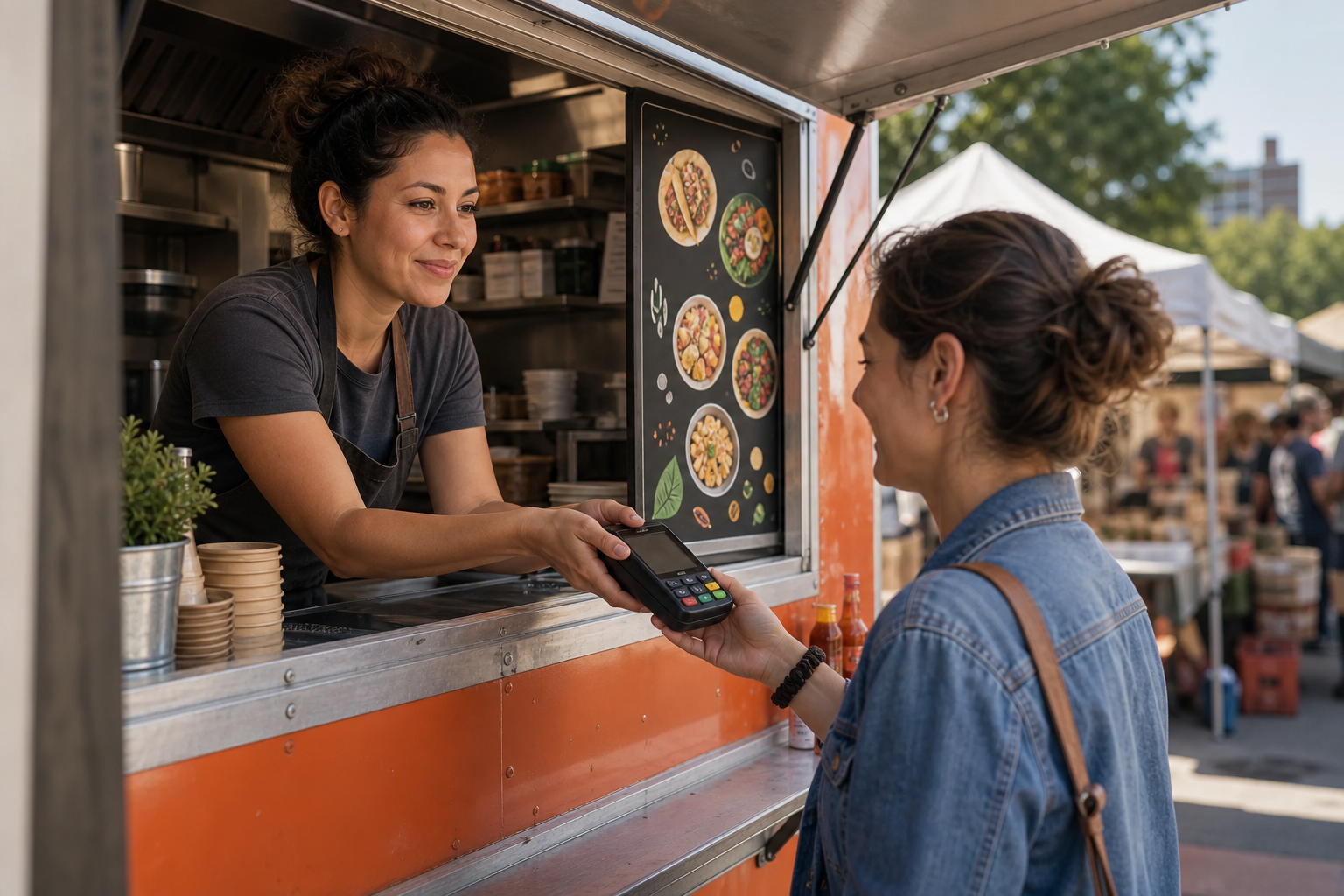
The Zettle reader fits in a pocket, the app runs on a personal iPhone, and offline queuing handles connectivity gaps at a festival. Instant Transfer moves Saturday revenue to your bank account the same day.
You get a fast checkout flow with receipt printing and modifier support. There is no built-in loyalty program or labor reporting, so operators planning to grow throughput will need to add third-party tools.
PayPal's payment link connects to a website or ordering page, which works for occasional online orders. For a cafe doing 30+ online orders per service, a dedicated ordering platform with direct POS sync is worth the fee.
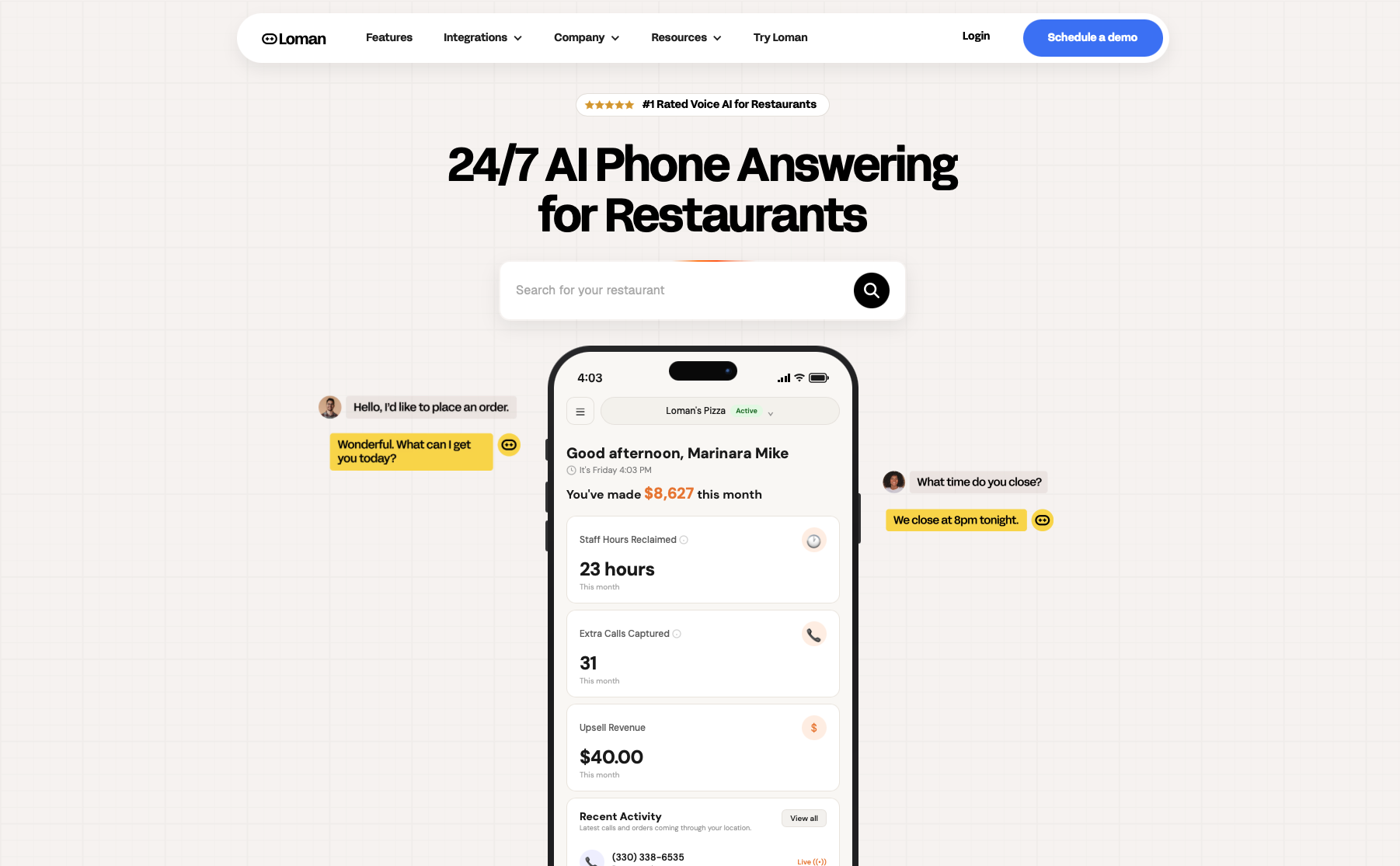
PayPal POS covers the counter well, but the phone is a different problem. Every call that comes in during a rush while your staff is tied up at the register is a potential order that walks, and roughly 85% of those callers won't try again. For a cafe or quick-service counter with real call volume, that adds up fast.
Loman is a 24/7 voice AI phone agent built for restaurants. It answers every call, takes pickup and delivery orders, and pushes tickets directly to your POS, reading your live menu in real time so 86'd items and price changes are reflected automatically. Operators using Loman have reported up to 22% higher phone revenue and up to 17% lower labor costs; Crust Pizza reported the system paid for itself in 10 days. At $199 per month, no per-minute charges, and setup in under 24 hours, it's a predictable cost against a very unpredictable revenue leak.
PayPal POS works well for food trucks, pop-ups, and quick-service counters, but full-service restaurants will hit hard limits fast: no floor-plan editor, no native kitchen display system, and inventory tracking that stops at item counts. Toast covers all three natively from its Starter Kit up, and Square for Restaurants adds KDS support and seat management at a lower hardware entry point than Toast.
At $30,000 per month, PayPal POS charges 2.29% + $0.09 per transaction, roughly $696 in fees. Square's 2.6% + $0.10 rate runs closer to $790 on the same volume. Toast's standard rate of 2.49% + $0.15 lands in between. The PayPal savings are real, but factor in the third-party software you may need to patch its restaurant feature gaps before counting them as net savings.
Yes, for most food truck operations. The Zettle card reader fits in a pocket, the app runs on a personal iPhone, offline transaction queuing handles connectivity gaps, and Instant Transfer moves funds to your bank account the same day. The gaps (no KDS, no labor reporting, no loyalty program) rarely matter when you have one or two cooks reading a single ticket screen.
PayPal POS is built for low-complexity food businesses: food trucks, pop-ups, and single-station cafes can run on it for nothing beyond transaction costs, while tables, multi-station kitchens, or real call volume push operators toward Square or Toast instead. Whatever POS direction fits your operation, the phone channel is worth solving before the next rush hits.
Enter your information in the form to receive a call from Loman and place an order like a customer would!

