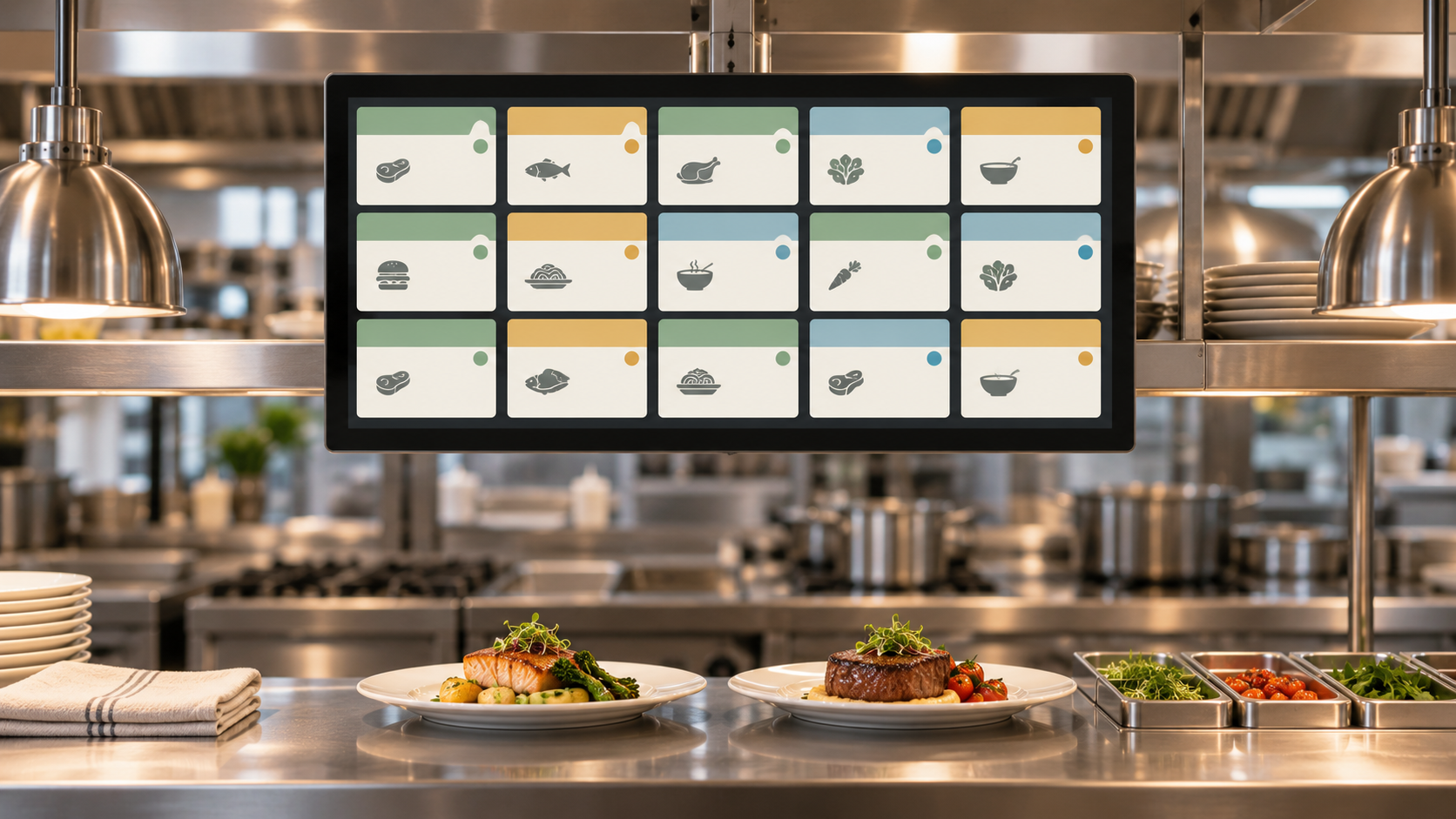
Every minute a ticket sits unread in a busy kitchen, an order falls behind. Paper ticket systems force cooks to squint at handwritten slips, re-read scrawled modifiers, and shout across the pass for order status updates. Studies show restaurants using a Kitchen Display System (KDS) cut order errors by up to 30% and improve kitchen throughput by 15 to 20%. A KDS replaces paper with a digital display screen in the kitchen, pulling orders straight from your POS and showing every ticket in a clean, color-coded queue.
TLDR:
A Kitchen Display System is a digital order management tool that replaces paper tickets in restaurant kitchens, pulling orders straight from your POS and showing cooks what to prepare, in what order, and how long each ticket has been waiting. The global KDS market has grown steadily as more restaurants move away from paper, with analysts projecting continued double-digit growth through the mid-2030s.
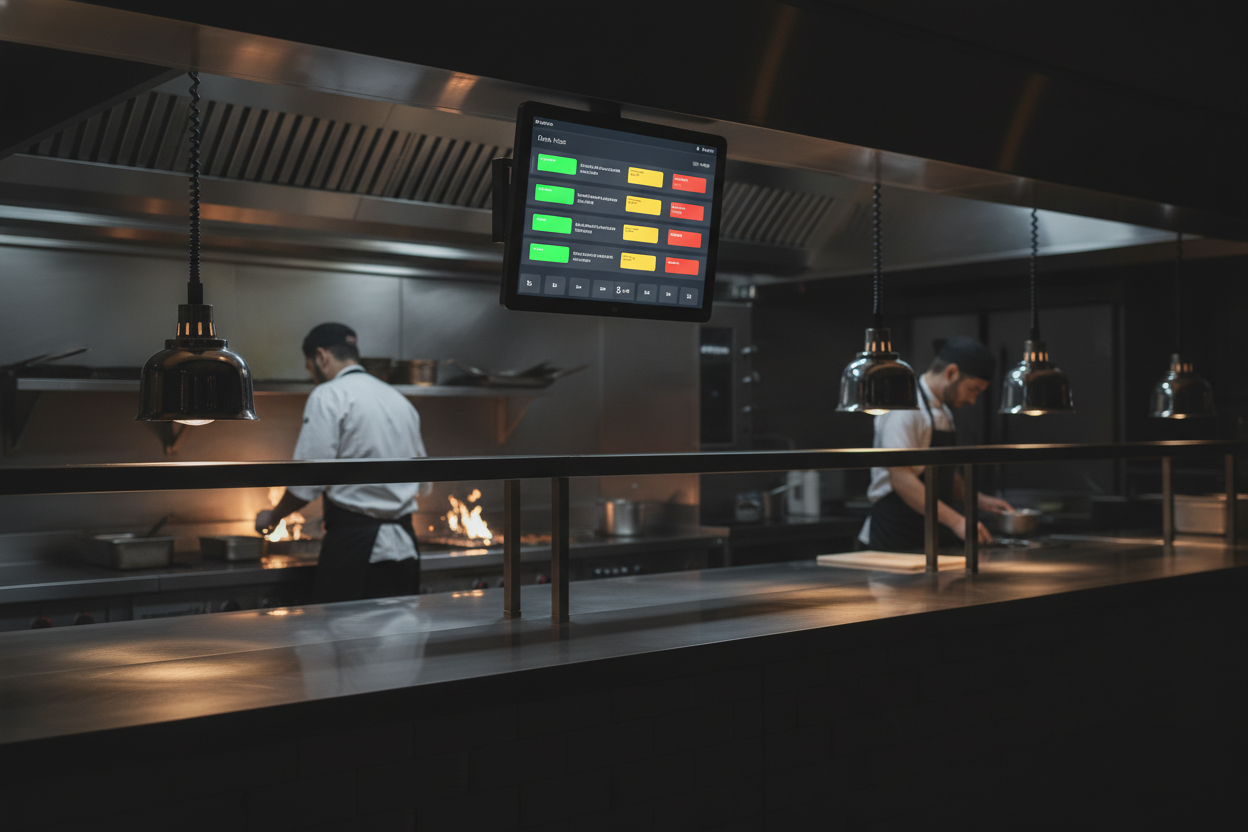
The physical hardware typically consists of one or more commercial-grade touchscreen monitors, a small mounting bracket or bump bar, and a network connection back to your POS. Screen sizes range from 10 to 22 inches depending on station needs. Some systems add a bump bar, a row of physical buttons that let cooks mark tickets complete without touching the screen with food-covered hands. Hardware is purpose-built for kitchen conditions: sealed against grease and steam, readable in bright or dim lighting, and rated for the heat and humidity of an active cook line.
The software layer receives order data from your POS the moment a server or cashier submits a ticket. It sorts incoming orders by priority, station, and cook time, then displays each item with modifiers, allergen flags, and timing information. Most KDS software also logs every ticket from the moment it enters the queue to the moment a cook bumps it, creating a time-stamped record you can review for speed reports and staff coaching. The software runs on the local network, so a brief internet outage does not knock your kitchen offline.
Understanding the order flow from the moment a guest places an order to the moment food leaves the pass helps you see where a KDS removes friction that paper tickets cannot.
When a server enters an order at the POS system, or a customer orders through an online channel, the KDS receives that data in under a second. There is no re-typing, no abbreviations, and no guessing what a hurried server scrawled on a pad. Color coding shows how long each ticket has been waiting: green for fresh orders, yellow approaching a target time, red for tickets running late.
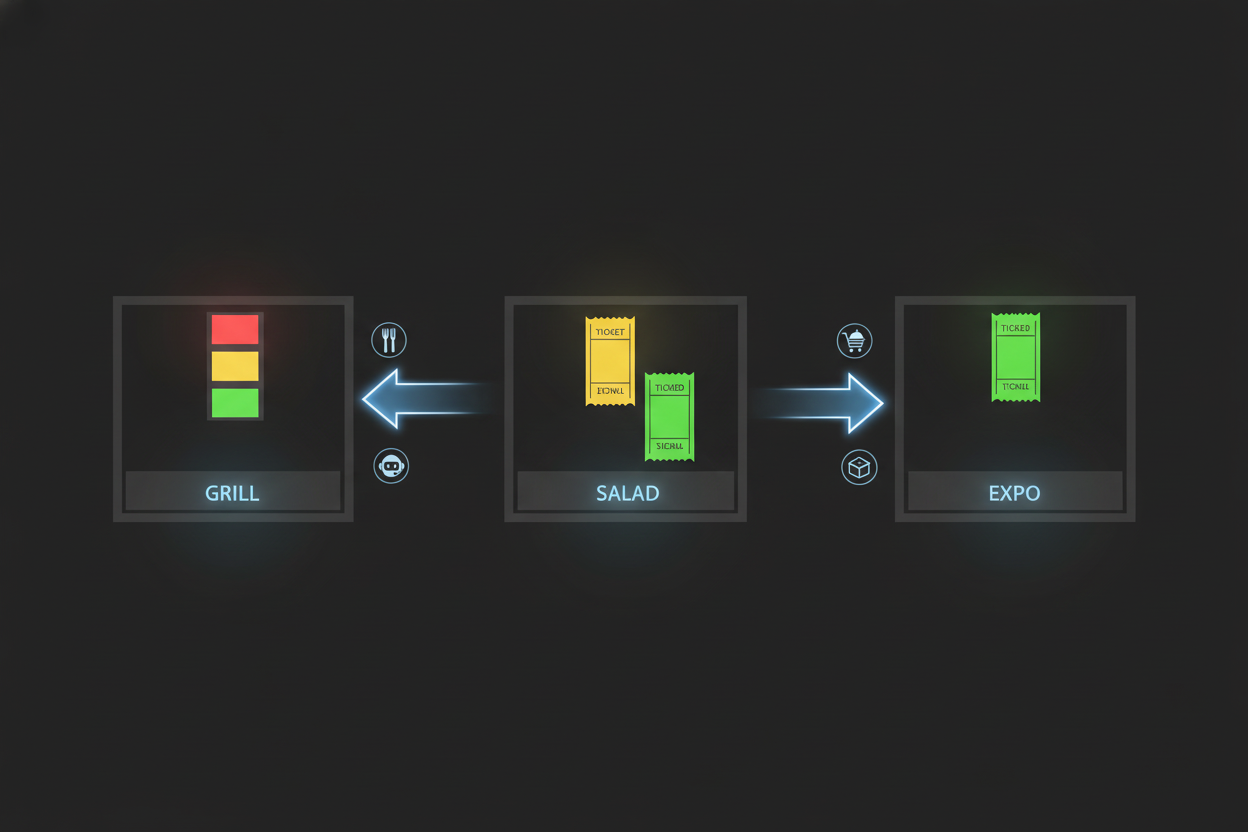
A KDS can split a single guest check across multiple stations. The expo screen shows every station's items together so the expeditor knows when everything is ready to plate. When a cook bumps an item complete, that status updates on the expo screen instantly, so the front of house is never waiting for a verbal "it's up" call.
Not all KDS products are equal. The features below separate a well-built system from a basic digital ticket board.
Every order enters the KDS the moment the POS closes the check, with no polling delay. A true real-time KDS keeps your queue current to the second, so cooks start working as soon as an order is placed rather than waiting for a print cycle.
Modern KDS software lets you configure each screen independently, choosing font size, ticket layout, and color rules. You can hide items irrelevant to a station, so a cold-side screen never shows grill items and vice versa.
Every KDS ticket carries a running timer, and managers set target cook times per menu category so the system flags any ticket that runs long. Kitchens that enforce ticket-time targets this way typically close the gap between their slowest and fastest shifts by 20 to 30%.
Advanced KDS software routes items by cook time so a long braise and a quick app fire together, and flags allergen substitutions before plating. In ghost kitchen settings, routing rules send orders from multiple virtual brands to the right station without manual sorting.
The operational case for switching to a KDS comes down to four areas: accuracy, speed, kitchen throughput, and data. Each one has a direct line to revenue and cost.
Handwritten tickets lead to errors in roughly 5 to 8% of orders. Restaurants that switch to a KDS report error rates dropping to under 1%, since every order is digitized exactly as entered at the POS.
Paper-based kitchens lose time waiting on printers, walking tickets to stations, and calling out order status. Restaurants report KDS speed and accuracy gains of two to four minutes per ticket after switching to a KDS.
Beyond individual ticket speed, a KDS improves the overall flow of a kitchen. In high-volume settings, operators regularly report serving five to ten additional covers per service hour after switching from paper.
Kitchen errors create direct food waste: the wrong dish must be discarded, a correctly prepared item sits too long while a re-fire is cooked, or a missed modification means a full plate goes in the trash. A KDS cuts these waste-generating errors significantly, supporting broader restaurant food waste reduction efforts. Some systems also show the queue depth by category, helping a prep cook gauge how much of a given item to have ready without over-prepping. Restaurants facing food cost pressures find that even a modest reduction in error-driven waste improves margin noticeably.
Every bump on a KDS generates a data point: ticket time, station, item type, time of day. Aggregated across a week or a month, this data shows you exactly where your kitchen slows down and what menu items are hardest to execute under pressure. You can compare speed across shifts, identify which stations are bottlenecks, and evaluate whether a layout change or a prep adjustment improved throughput using KDS performance metrics. Paper kitchens have no equivalent record. This reporting capability is particularly valuable for multi-location operators who want to set kitchen performance benchmarks and measure each location against them.
The benefits above play out differently depending on how a restaurant operates. A few examples show where a KDS has the clearest impact.
High-volume pizza shops. A busy pizza counter can receive 30 to 50 phone orders during a Friday dinner rush, and paper slips pile up fast on the rail. With a KDS, every order appears at the make station in real time, so cooks work the queue in order without hunting through slips.
Multi-station casual dining. A 60-seat casual dining room runs apps, entrees, and desserts across three kitchen stations, with a single guest check firing items to all three screens at once. The expo station holds plates until the grill bumps the entree, so the gap between a cold app and a late entree gets tracked with a timer instead of managed by feel.
Ghost kitchens and multi-concept operations. A single kitchen running three virtual brands uses routing rules to send each brand's orders to the right station without a manager sorting paper. Each station sees only its relevant tickets, which removes the manual sorting that falls apart under pressure.
For restaurants still running paper, the comparison below shows where digital wins clearly and where the transition requires upfront effort.
| Factor | Paper Tickets | Kitchen Display System |
|---|---|---|
| Order delivery to kitchen | Printer spits a slip; slip travels to station by hand | Order appears on screen the moment POS closes the check |
| Modifier visibility | Depends on handwriting; easy to miss in a rush | Every modifier printed in full with allergen flags |
| Order tracking | No real-time view; status requires verbal check | Color-coded timers show ticket age at every station |
| Multi-station coordination | Runner carries paper between sections | Each station sees its own queue; expo sees the full board |
| Error rate | 5 to 8% of orders contain errors from transcription or lost slips | Under 1% when orders enter through POS |
| Average ticket time | Baseline | 2 to 4 minutes faster per ticket during peak service |
| Data and reporting | None; no record once a slip is discarded | Full time-stamped log of every ticket for speed and coaching reports |
| Staff adaptation time | No learning curve | Most kitchens comfortable within one to two shifts |
| Hardware cost | Low upfront (printer + paper rolls) | Higher upfront; ongoing savings offset cost through waste and labor reduction |
The main obstacle operators cite when moving from paper to KDS is staff adaptation. Cooks who have run paper for years need time to build the habit of checking a screen and bumping tickets rather than pulling slips off a rail. Most kitchens report that staff are fully comfortable within one to two shifts. The other consideration is hardware placement: screens need to be mounted at eye level, protected from direct steam, and visible from every position at the station. A KDS vendor with restaurant-specific experience will help you map screen placement before installation so your team is not rearranging mounts after go-live.
Before you call a vendor, walk your own line and count how many stations actually need a screen, grill, salad, pizza, expo, and any prep area that handles its own ticket flow. Check that your current POS supports a direct KDS connection, since that link determines how fast an order reaches the kitchen and how much modifier detail survives the trip. Ask each vendor for a hardware quote that breaks out screens, mounts or bump bars, and cabling, so you can compare the real cost against your paper spend over a year.
Most operators recover the cost of their KDS hardware within the first three to four months through reduced error-related waste and faster ticket times alone. Factor in the added throughput during peak service and the ROI window shortens further.
A KDS removes real friction: cleaner tickets, no lost slips, station-level visibility, and a time-stamped record of every order. The trade-off is also real: hardware cost and a shift or two for your team to build the habit of bumping tickets on a screen. For most kitchens handling more than 30 covers a night, the math tips toward digital.
A KDS only sees tickets your staff actually enters. Phone orders still depend on someone picking up, transcribing correctly, and keying the order before the KDS ever sees it. During a rush that chain breaks: calls go unanswered, modifiers get dropped, and tickets arrive late or not at all.
Loman AI answers every inbound call 24/7 and pushes tickets directly into your POS, landing in the same KDS queue as counter orders with full modifiers, no re-keying, no lag. Operators using Loman report higher revenue per order, with phone tickets arriving in the queue complete and correctly modifiered. Book a quick demo to see it in action.
KDS hardware costs vary by system size and number of stations, but most operators recover the upfront cost within three to four months through reduced error-driven waste and faster ticket times. Factor in the throughput gains during peak service and that window shortens further.
A KDS keeps every order visible, trackable, and updateable in real time across every station, while a receipt printer produces a static slip that can be misread, misplaced, or ignored. A KDS also logs every ticket with timestamps, giving you speed data that a discarded paper slip never could.
A KDS displays any order that flows through your POS, regardless of the source. Loman AI, for example, takes phone orders 24/7 and pushes tickets directly into the same kitchen queue your KDS already manages, so a phone order and a counter order look identical to your cooks with no manual re-entry required.
A Kitchen Display System is one of the clearest investments a kitchen can make: order errors drop from 5-8% on paper to under 1%, ticket times fall two to four minutes, and hardware pays for itself within three to four months for most kitchens running more than 30 covers a night. A clean queue only stays clean if every order enters correctly, and phone orders taken by hand are where that often breaks down. Loman AI answers those calls around the clock and sends each order straight into your KDS queue alongside counter orders. Book a demo to see the full ticket pipeline in action.
Enter your information in the form to receive a call from Loman and place an order like a customer would!

