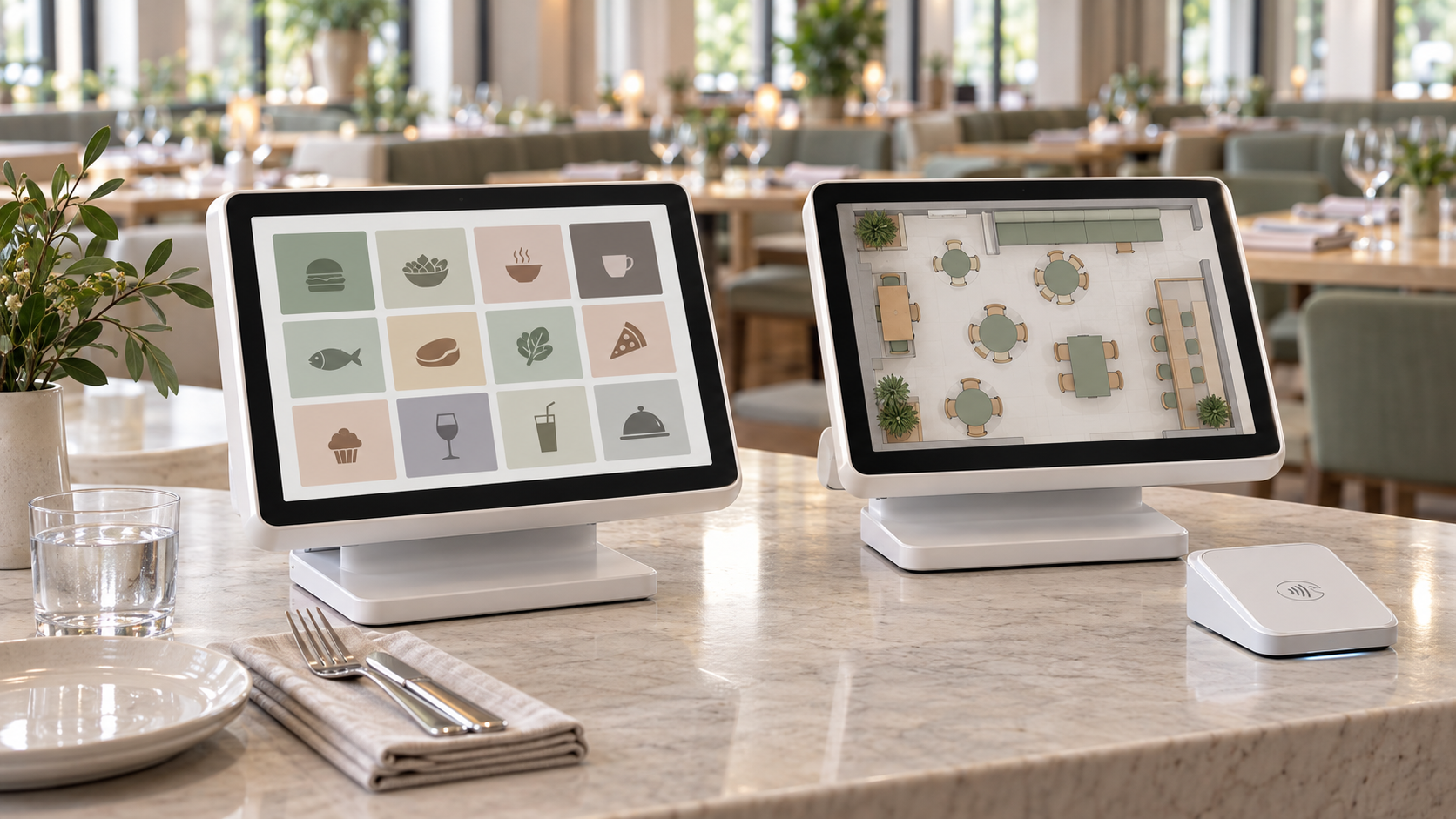
The Square POS vs Square for restaurants decision comes down to one question: how complex is your floor? Both products share the same parent company and hardware, but the two products serve different operations, and picking the wrong one costs you every shift. A full-service floor improvises around missing coursing tools, and a food truck ends up paying $49 a month for features it never touches.
TLDR:
Square POS is a general-purpose system with core payment, inventory, and sales tools, reliable for simple food service. Square for Restaurants adds table management, coursing, and KDS integration for operations that need that level of control.
Counter-service spots, food trucks, and cafes with straightforward menus fit Square POS well. Full-service restaurants with tables, servers, and multi-course menus belong on Square for Restaurants, where the tools match that floor and kitchen workflow.
Square POS: Best For
Square for Restaurants: Best For
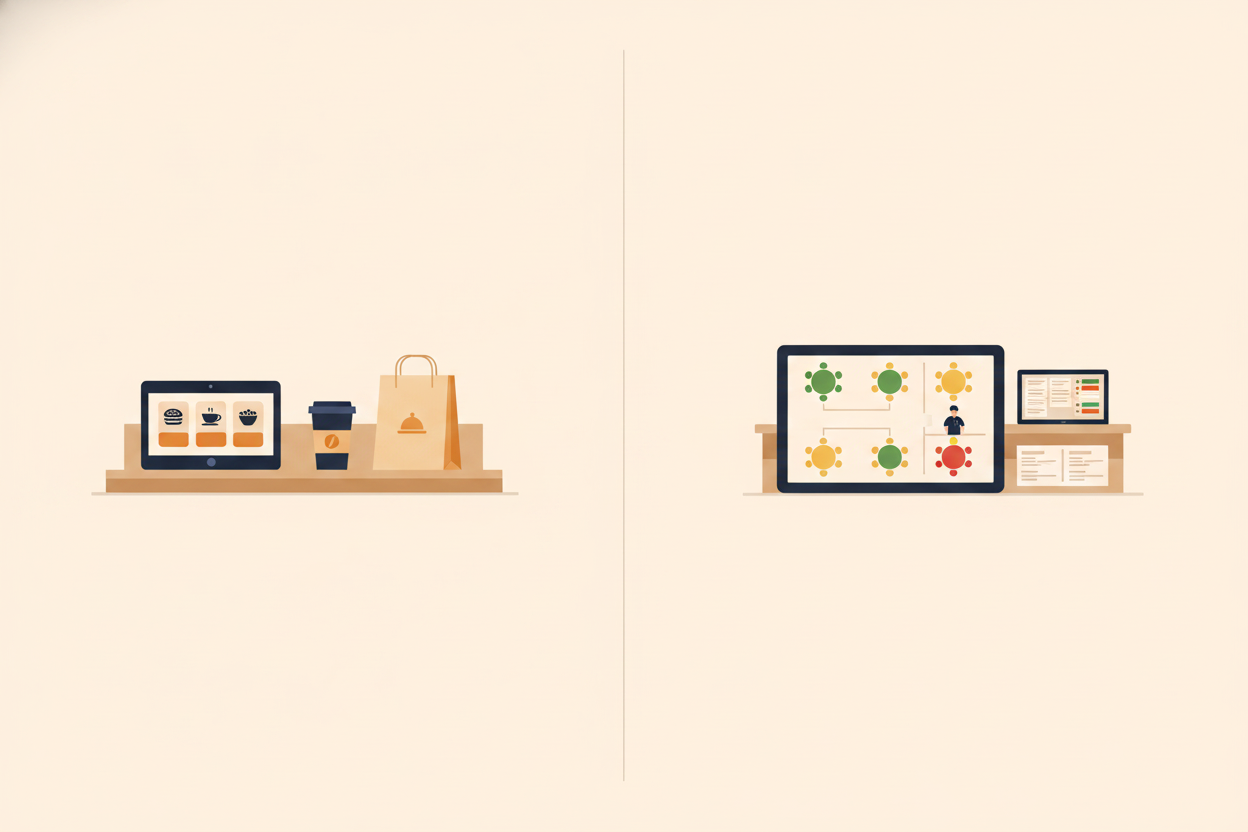
Square POS puts fast onboarding first with large buttons and simple navigation. Square for Restaurants adds visual table mapping with real-time status indicators so servers and managers can track dining room flow at a glance. Square's floor plan indicators show how long each check has been open and turn tables yellow, then red, after the times you set.
Training time differs, too. Square POS gets a new hire transacting quickly. Square for Restaurants' server-flow tools, such as coursing, table transfers, and split checks, take longer to learn, but the added training buys fewer verbal handoffs and fewer errors once the team has the flow down.
Square POS lets staff add items and adjust prices directly from the device, which works for simple counter-service menus. Square for Restaurants supports multi-course structures, time-based menus, and nested modifiers, managed through the back office for consistency across terminals.
A price change or item removal made in the back office pushes to every terminal at once, so your floor and kitchen always work from the same menu.
Square POS runs a fast, linear flow for counter-service and food trucks. Square for Restaurants adds coursing, split checks, and table transfers for full-service coordination.
Coursing lets a server fire appetizers the moment a table is seated, then hold entrees until the kitchen signals readiness, showing up on the KDS as a course-level hold instead of a sticky note. That cuts verbal handoffs and speeds table turns.
Square for Restaurants also lets servers merge tables straight from the POS app when a large party sits together, and merged tables display as a linked group on the floor plan. Seat management, which Square's current pricing page lists as a Premium feature, records which seat ordered which dish, so a server delivers the right course to the right guest without asking.
Split checks save time at close. A party of eight splitting four ways gets handled right in the POS, with the server tapping which seats or items belong to each payer and the system calculating every portion, including shared items and tax. When a table changes hands mid-meal, the incoming server sees the full order history, including every modifier and course already fired, without asking the outgoing server to catch them up.
Square POS sends orders to standard thermal printers, fine for smaller kitchens with simple prep. Square for Restaurants offers full Kitchen Display System (KDS) integration on the Plus and Premium tiers, not on Free, with digital displays that drop paper tickets and show modifications and dietary restrictions clearly. Restaurant365's guide to kitchen display systems covers how digital ticket flow reduces miscommunication during peak service.
Square POS is free, with no monthly fee, and a 2.6% + 15¢ per in-person transaction rate. Square for Restaurants runs on three tiers: Free ($0), Plus ($49/month per location), and Premium ($149/month per location), each unlocking deeper features and a lower processing rate, per Square's current pricing page. Square's pricing page now describes these as Free, Plus, and Premium plans with food and beverage features included in any plan, so the Square for Restaurants tiers map onto those same three plans.
The Plus tier drops your in-person rate from 2.6% to 2.5%, so that saving covers the $49/month cost once your monthly card volume clears roughly $49,000. Past that point, the table management and reporting features come at no net added cost. The ROI of an AI phone agent breaks down the same payback math for voice AI.
The Free tier covers the basics but leaves out coursing and KDS, which start on Plus. Plus and Premium each list a free 30-day trial on Square's pricing page, so test coursing there before you commit.
Kitchen display screens cost extra, and the Square KDS app is not available on the Free tier. Square's pricing page lists KDS add-on pricing at $30 per month per device on Plus and $20 per month per device on Premium.
| Plan | Monthly Fee (per location) | In-Person Processing Rate | Best For |
|---|---|---|---|
| Square POS (Free) | $0 | 2.6% + 15¢ | Counter service, food trucks, cafes with simple menus |
| Square for Restaurants (Free) | $0 | 2.6% + 15¢ | Basic full-service restaurants testing the platform |
| Square for Restaurants Plus | $49 | 2.5% + 15¢ | Full-service restaurants needing coursing, KDS, and expanded reporting |
| Square for Restaurants Premium | $149 | 2.4% + 15¢ | Operations needing seat management, 24/7 support, and the lowest card rate |
Choosing between Square POS and Square for Restaurants comes down to how complex your business runs, and now also how well your POS connects to the AI tools around it. Square for Restaurants' richer data, including per-table sales, course timing, and server performance, gives forecasting and scheduling tools more to work with than the leaner Square POS data set.
Pairing the POS with AI phone agents for Square is one of the fastest ways to add that layer. Loman works alongside either Square system, reading your live menu in real time and handling restaurant AI POS integration that routes clean tickets into your kitchen.
On October 8, 2025, Square shipped its biggest food & beverage expansion to date, and three pieces land directly on the decision you're weighing now. Availability varies by plan and region, so confirm what's live for your account first.
Square is building the AI layer into its system, raising the baseline for every restaurant running on it. Square is also a Loman integration partner, so the choice is which voice option fits your menu, not which POS to run. Test how it handles modifiers, payment, and 86'd items on your own menu before you commit.
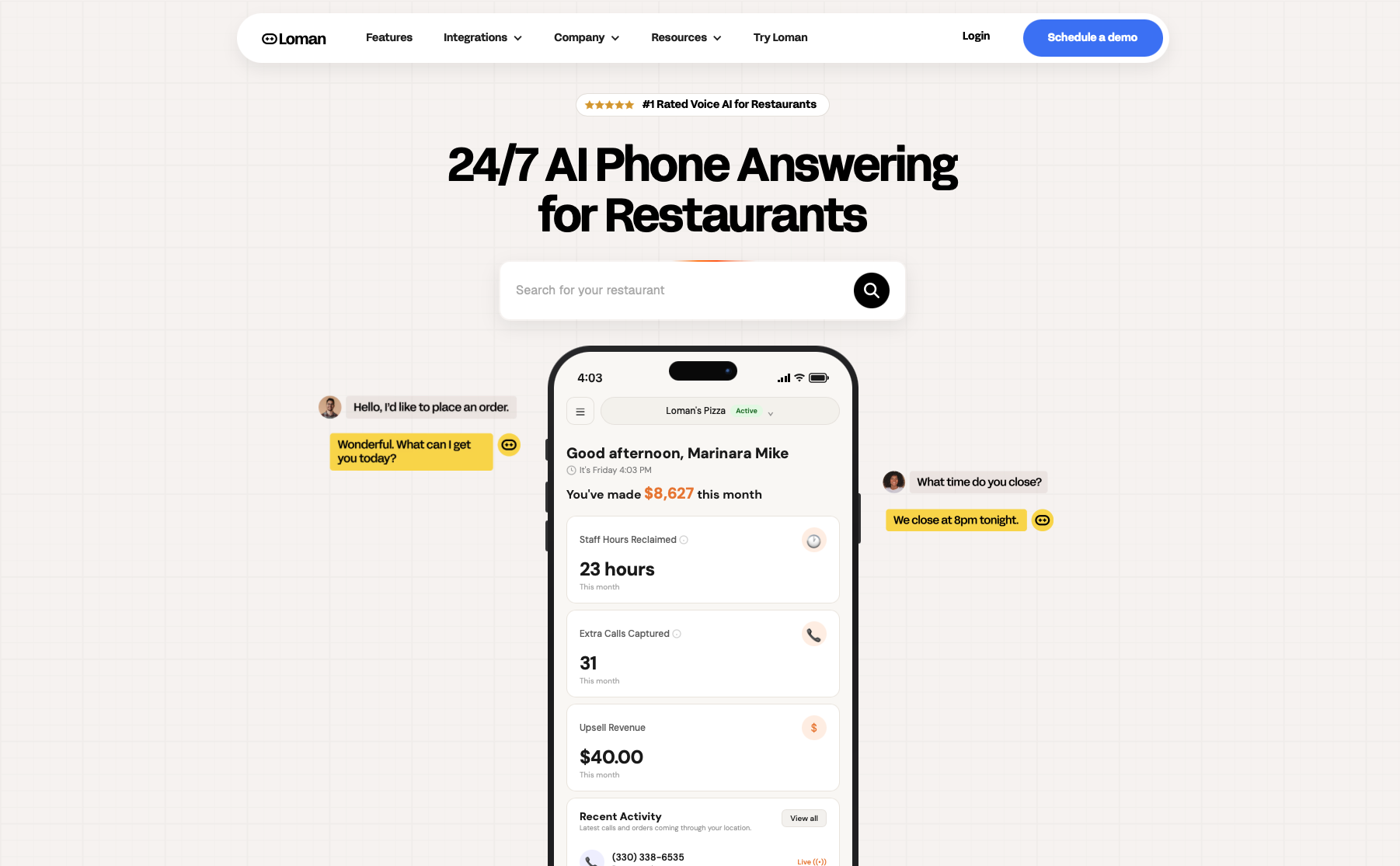
A ringing phone during a dinner rush needs backup. Loman answers every inbound call, captures the full order with modifiers and payment, and routes the ticket straight to your Square POS with no re-keying and no voicemail. The integration works with both Square POS and Square for Restaurants, reading your live menu in real time so 86'd items, price changes, and specials carry over to every call.
Operators using Loman report up to 22% higher phone revenue and up to 17% lower labor costs, because every call gets answered and every order lands clean in the kitchen. See how AI phone agents cut labor costs. Midland Pizza Co. estimates it would lose over $200,000 a year without Loman. Tony Boloney's reports 75 to 100 extra orders per month per location. Crust Pizza reported Loman paid for itself in 10 days. These are operator-reported results from restaurants that stopped letting missed calls drain restaurant revenue.
Setup takes under 24 hours with no coding required. Book a live demo and see it running on your own menu.
Square for Restaurants is the right fit. Square POS runs a linear counter-service flow, while coursing comes with Plus ($49/month per location) or Premium ($149/month per location). Seat management is listed under Premium, so confirm your tier on Square's pricing page and test the workflow during the 30-day free trial on Plus or Premium.
Loman works with both. It reads your live Square menu, picks up 86'd items and price changes automatically, and routes full phone orders with modifiers and payment into whichever Square system you run. Setup takes under 24 hours.
A voice AI phone agent answers the inbound call, works from your live POS menu, and lets the caller place a full order with modifiers and payment. The confirmed ticket routes straight into your POS and kitchen workflow with no re-keying. Loman reads your live Square menu, so 86'd items and price changes are current on every call, and setup takes under 24 hours with no coding required.
Pair your Square system with a voice AI phone agent for restaurants that answers around the clock. Loman picks up a call at 2 a.m. the same way it does at 7 p.m. and routes the full order into your Square POS. This kind of restaurant phone automation skips the night-shift wage and the morning voicemail backlog. Loman is a flat monthly subscription starting at $199/month with no per-minute charges, so the hundredth call costs the same as the first.
The Square POS vs Square for restaurants choice comes down to your floor: Square POS fits counter service, and Square for Restaurants fits full-service floors running table maps, coursing, and split checks. Both run on the same Square hardware, so test each one and confirm which features sit on which tier on Square's pricing page before you commit. Loman answers the phone during the rush, takes the full order with modifiers and payment, and pushes a clean ticket into your Square POS with no re-keying. Crust Pizza reported that Loman paid for itself in 10 days. Book a live demo before your next dinner rush.
Enter your information in the form to receive a call from Loman and place an order like a customer would!

