Square and Clover are the two dominant point-of-sale systems on the market, and choosing between them is one of the more consequential decisions a restaurant or retail owner will make. Both cover the basics well, but their approaches to user experience, pricing, and specialized functionality differ in ways that matter depending on your business model and how complex your day-to-day operations are.
TLDR:
Square and Clover take different approaches to user experience. Square puts simplicity first: its clean interface requires minimal training, and the dashboard gives at-a-glance metrics across mobile, tablet, and desktop. Clover is more complex but more configurable. Its Android-based system, backed by the Clover App Market, lets businesses tailor the POS to specific needs, such as table management for restaurants and appointment scheduling for service businesses.
| Square | Clover | |
|---|---|---|
| Monthly software fee | $0 (base plan) | $14.95 to $69.95 |
| In-person processing rate | 2.6% + $0.10 | ~2.3% + $0.10 |
| Hardware cost | Free reader; $149 to $799 | $49 to $1,349+ |
| Setup time | Same day | Days to weeks |
| Table management | Plus plan ($60/mo) | Included in base Restaurant plan |
| E-commerce | Included (Square Online) | Third-party only |
| Volume break-even | Wins below ~$50K/mo | Wins above ~$50K/mo |
Square's hardware runs from the free magstripe reader to the Square Terminal ($299) and Square Register ($799). It also works with existing iPads. Add a Square Stand ($149) and you have a functional POS terminal with minimal upfront cost.
Clover's lineup starts with the Clover Go ($49), moves up to the Flex handheld ($499), and tops out with the Mini ($749) and Station ($1,349+). Hardware is proprietary, which means higher upfront investment but a more integrated, consistent setup.
Square charges no monthly fee for its base POS software. In-person rates run 2.6% + $0.10, online 2.9% + $0.30, and keyed-in 3.5% + $0.15. See the full Square POS pricing guide for a plan-by-plan breakdown. Clover charges $14.95 to $69.95/month depending on plan and reseller, with in-person rates around 2.3% + $0.10, details in our Clover POS pricing guide. Rates vary by provider, and high-volume merchants can negotiate.
How that plays out in practice: at $10,000/month, Square costs roughly $260 in processing fees with no software overhead, while Clover runs about $230 plus up to $69.95/month in software fees; Square wins at this volume. At $50,000/month, the two reach rough parity. At $150,000/month, Clover's ~$3,450 in fees beats Square's ~$3,900 by enough to cover the monthly software cost and make the hardware investment worthwhile.
Square covers the main verticals with Square for Restaurants (table management, coursing), Square for Retail (advanced inventory), and Square Appointments (booking management). Clover takes the same verticals through its App Market and plan structure. Restaurants get kitchen display integration, tableside ordering, and ingredient-level inventory. Retail businesses get barcode scanning and vendor management. Service businesses add appointment scheduling through App Market apps.
Square's fast interface and low barrier to entry make it the default choice for coffee shops, food trucks, and fast-casual spots. Clover's Flex handheld handles window-side payment well, but the higher upfront hardware cost is a real consideration for counter-service operators.
Clover's Restaurant plan ships with a floor plan editor, coursing controls, split-check by seat, and kitchen display integration out of the box. Square for Restaurants covers similar ground but gates those features behind its Plus plan at $60 per location per month. For bars and breweries that need tab management and weight-based pours, Clover's App Market carries specialized tools Square does not offer natively. In retail, Square's built-in e-commerce suits omnichannel sellers, while service businesses generally find Square's native appointment scheduling the more complete fit.

Square covers the basics: low-stock alerts, product variants, CSV bulk uploads, real-time sync across channels, and purchase order management via Square for Retail. Clover goes deeper with serialized and raw ingredient tracking, weight-based items, bundle pricing, and automatic reorder points, plus built-in barcode scanners on most hardware. For restaurants tracking ingredients by usage or shops with complex catalogs, Clover is the stronger fit.
Square includes its native e-commerce platform, Square Online, at no extra monthly cost. It syncs inventory, sales, and customer data between in-store and online operations and supports pickup, delivery, and shipping. For more advanced online selling, Square also connects to WooCommerce, Wix, and BigCommerce.
Clover has no native e-commerce platform. It integrates with BigCommerce and Shopify for online selling, which requires additional subscriptions. For food service, Clover's Online Ordering handles commission-free takeout and delivery, though it stops short of full e-commerce functionality.
Square is a payment service provider (PSP): it aggregates merchants under a master account, allowing instant approval with no underwriting. The trade-off is account stability, since Square can hold funds or terminate accounts that trigger risk flags. Deposits arrive within 1 to 2 business days; instant deposits cost an extra 1.5%.
Clover uses traditional merchant accounts through Fiserv (First Data). Underwriting takes time but generally produces a more stable account, and merchants can negotiate rates based on volume and processing history. Settlement runs 1-3 business days depending on the processor.
Square connects natively with QuickBooks, Xero, Mailchimp, Deputy, and Zapier, and its API supports custom builds for more specific needs. Clover takes a marketplace approach: its App Market carries hundreds of third-party apps covering reporting, scheduling, and industry-specific tools, though setup requires more configuration than Square's out-of-the-box connections. For a deeper look at how AI phone systems slot into both ecosystems, see our guide on AI phone and POS integration.
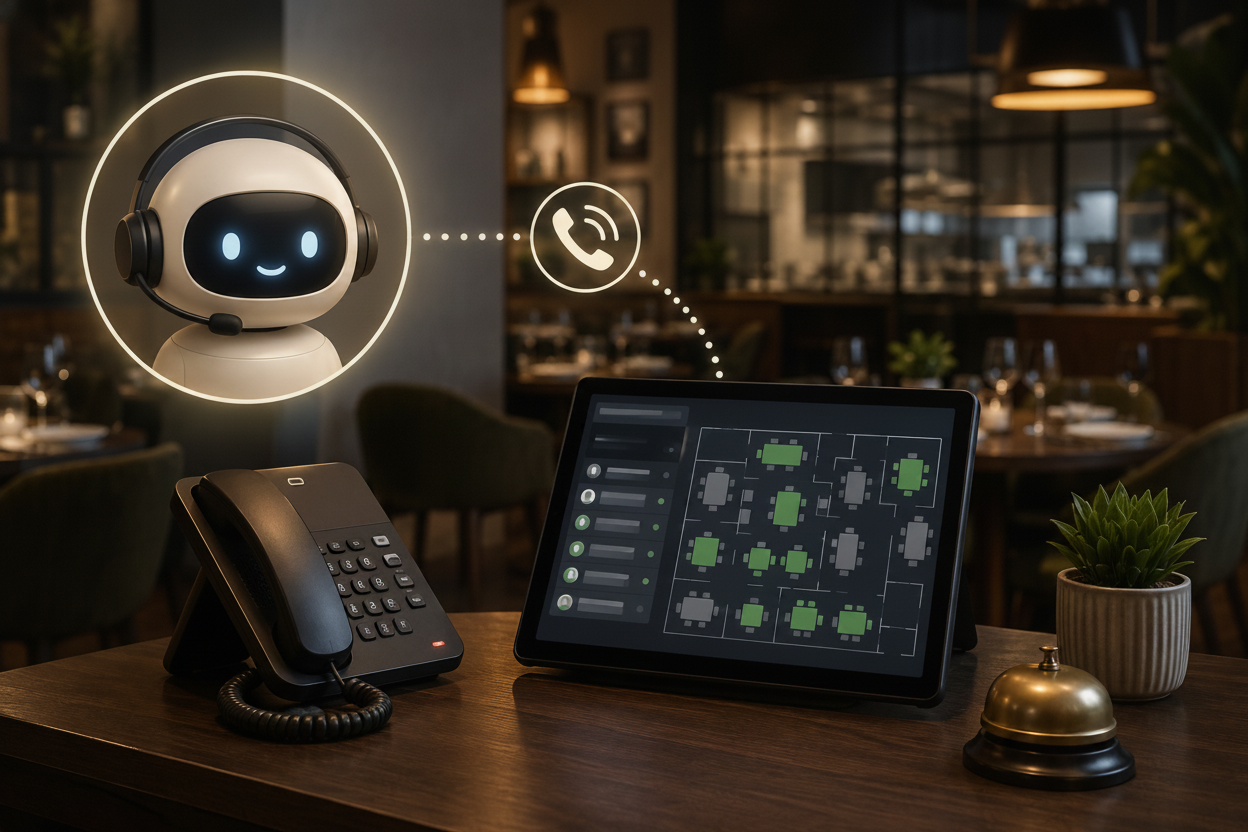
The integration capabilities become particularly important for restaurants, where systems must coordinate between POS terminals, kitchen display systems, online ordering platforms, and reservation management tools. Both Square and Clover support these integrations, though specialized voice AI phone agents like Loman complement existing POS systems by closing full phone orders and processing in-call payments, all without additional POS configuration or staff training.
Whichever system you land on, Square or Clover, one gap neither covers is the phone. During a busy dinner service, calls go unanswered, staff get pulled away from tables, and orders that could have come in direct end up on a third-party app with a 15-30% commission attached. That is revenue leaving through the side door on every shift.
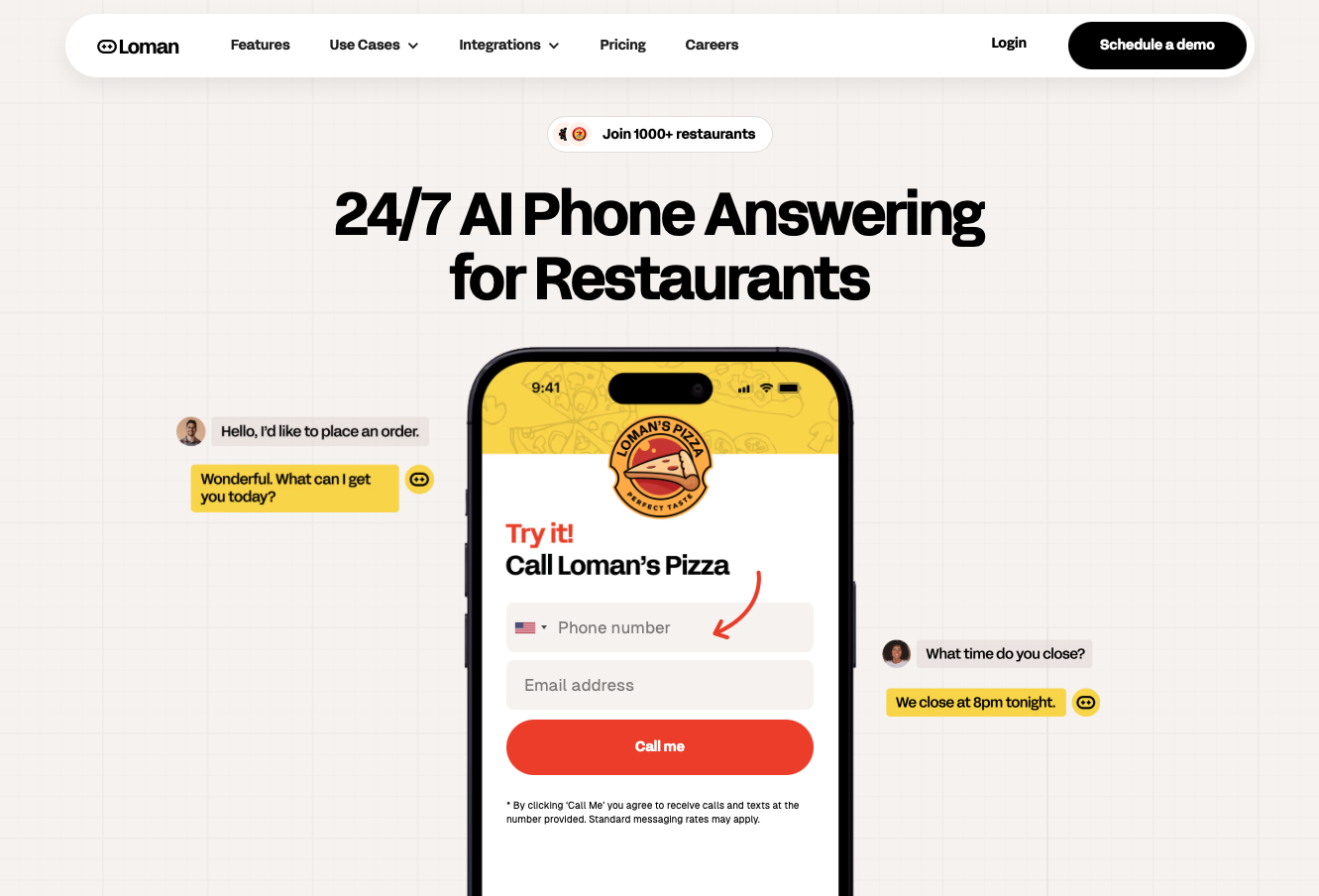
Loman is a 24/7 AI phone agent built specifically for restaurants. It answers every call, takes full pickup and delivery orders, books reservations, and pushes tickets directly into your Square or Clover POS and kitchen display, with no manual re-entry and no missed modifiers. It reads your live menu in real time, so it never quotes an item that has been 86'd. Operators using Loman report up to 22% higher phone revenue and 17% lower labor costs, and the system goes live in under 24 hours with no coding required. At $199 a month for unlimited calls, it converts a variable, unpredictable labor cost into a single fixed line item. See how it works with a free demo.
Clover handles full-service table management more thoroughly. Its Restaurant plan includes a floor plan editor, table status tracking, coursing controls, split-check by seat, and kitchen display integration out of the box. Square for Restaurants offers table layouts and basic coursing but requires the Plus plan ($60/month per location) for features like multi-course management and advanced floor plans. For full-service dining with complex service flows, Clover's native table management gives it a real edge.
Square is the faster option by a wide margin. You can create an account, receive a free card reader, and start accepting payments the same day, sometimes within the hour. Clover requires underwriting through a merchant account provider, which can take anywhere from a few business days to a couple of weeks depending on the reseller and your business history. If speed to market matters, Square wins this comparison outright.
Square uses flat-rate pricing with no room for negotiation on standard plans. Businesses processing over $250,000/year can contact Square's sales team about custom pricing, but this is not guaranteed. Clover's rates are set by the merchant account provider (reseller), which means there is real room to negotiate, especially for businesses with strong processing history or high monthly volume. If you are processing $50,000/month or more, getting competing quotes from multiple Clover resellers can yield meaningfully better rates.
Choosing between Clover and Square comes down to volume, service style, and how quickly you need to get moving. Square suits counter-service concepts and food trucks that want same-day setup with no monthly fee. Clover earns its place in full-service dining and higher-volume operations where its lower processing rate and built-in table management justify the upfront investment. Neither covers the phone channel, though, and that is where direct revenue slips through. A voice AI agent like Loman pairs with both to answer every call, take full orders, and push tickets straight to your POS. The POS decision and the phone-answer decision are worth making together.
Enter your information in the form to receive a call from Loman and place an order like a customer would!

