If your POS vendor controls your data, your hardware choices, and your upgrade schedule, someone else holds most of the power over your restaurant's costs. Open source restaurant POS systems put the code, the configuration, and the roadmap in your hands. Here's a breakdown of the strongest free options available right now, matched to the types of operations they actually fit.
TLDR:
Open source restaurant POS systems skip licensing fees and vendor lock-in. You can modify the software, swap hardware, or switch providers without starting over, while community-driven patches arrive on their own schedule. TastyIgniter (Laravel/PHP) and NexoPOS (Laravel/Vue.js) are popular forkable examples on GitHub, both with active contributor communities.

Look for these capabilities when you compare open source POS systems:
According to Business Research Insights, the global restaurant POS systems market is valued at approximately $1.63 billion in 2026 and is projected to reach $2.66 billion by 2035, a 5.6% compound annual growth rate. Market Research Future sizes the category higher, at $13.35 billion in 2025 growing to $30.48 billion by 2035, an 8.6% compound annual growth rate. The totals differ because each firm scopes the market differently. Kitchen display systems are becoming standard too: roughly 60% of new North American restaurants now launch with a KDS instead of paper tickets, per TechLink Services' 2026 report. Estimates for the global KDS market run from about 6.5% to 12.5% CAGR through the early 2030s, and open source systems with native KDS support can build those integrations without vendor permission.
Floreant POS is the veteran of open source restaurant systems, with a source release dating to 2009 that the project describes as public domain, though SourceForge lists a Mozilla Public License variant, so read the license before modifying or redistributing it. Its restaurant-specific design covers order management, kitchen display, table management, and employee tracking, and the embedded database installs in about 90 seconds and keeps running offline during outages.
Built on Java, it runs on Windows, Linux, Mac, and Raspberry Pi. The core system stays free and open source, but the floor plan, inventory, and delivery tools are sold as plugins, with a PRO version also available.
TastyIgniter is a Laravel PHP, web-based system released under the MIT license from version 3.0.0 onward, bringing in-house dining, takeout, and online ordering into one dashboard with analytics.
Restaurants can build branded ordering pages with their own delivery zones and charges, plus a menu manager and table reservations. Multi-branch management runs unlimited locations from one interface, built-in review management collects feedback, and a plugin architecture lets the system grow.
Phone orders create real bottlenecks during peak hours, often leading to missed calls draining restaurant revenue. AI for restaurants like Loman closes that gap, taking full phone orders with in-call payment around the clock.
Loman works directly with Square, Toast, and Clover without replacing them. This restaurant AI POS integration lets restaurants adopt Loman without overhauling their setup, and it reads your live menu during the call, so it never quotes an 86'd item.
UniCenta POS runs under the GNU GPLv3 license, with support through community forums. It works on Windows, Mac, and Linux, with a cloud-hosted option for Android and iPad, scaling from single locations to multi-restaurant operations. Inventory tools cover barcode and stock tracking plus vendor management, while staff tools handle time tracking. Reporting rounds out daily metrics, and loyalty programs plus table and floor management complete the feature set.
SambaPOS V3 is the open source version and is no longer actively developed, while V4 and the current V5 Pro are paid products. No-code workflow configuration supports 12+ languages, delivery tracking, and coupon or discount-based loyalty programs, with inventory control backed by an SQL Express database.
The entity feature handles table management, including seating and staff assignments, and automated tax calculation on every order. SambaPOS reports that over a hundred thousand restaurants use its products worldwide.
Odoo POS connects to a full enterprise resource planning suite, giving restaurants one system for point-of-sale, accounting, inventory, and customer relationships instead of separate tools. A modular setup lets a restaurant start with basic POS functionality and add pieces as needs grow.
Inventory updates in real time across locations, with reorder points and automated purchase orders that prevent stockouts. Email marketing and point- or discount-based loyalty programs round out the customer tools. The system keeps working offline and syncs once connectivity returns, deploying on-premise or through Odoo.sh cloud hosting. The open source Community Edition has no app limit, while the hosted One App Free plan allows one app with unlimited users but is not open source.
Specialized modules cover these areas:
| System | License | Runs On | Best For | Standout Feature |
|---|---|---|---|---|
| Floreant POS | Public domain per the project; SourceForge lists an MPL variant | Windows, Linux, Mac, Raspberry Pi (Java-based) | Small to mid-size restaurants, food trucks, coffee shops | Installs in about 90 seconds per the project; full offline operation |
| TastyIgniter | MIT (v3.0.0+) | Web-based (Laravel/PHP) | Multi-location franchises, online-ordering-first restaurants | Unified in-house, takeaway, and online ordering in one dashboard |
| UniCenta POS | GNU GPLv3 | Windows, Mac, Linux; cloud-hosted option for Android and iPad | Multi-restaurant operations with complex inventory needs | Full inventory tracking with barcode, vendor, and loyalty tools |
| SambaPOS | Open source (V3, no longer developed); paid (V4, V5) | Windows | Restaurants needing deep workflow customization | Highly adaptable architecture; supports 12+ languages |
| Odoo POS | Open source (LGPLv3 Community Edition) | Web-based; on-premise or Odoo.sh cloud | Restaurants wanting full ERP integration (accounting, inventory, CRM) | Automated purchase orders and multi-location inventory sync |
Start with your biggest constraint, whether that is IT staff, location count, inventory complexity, or accounting:

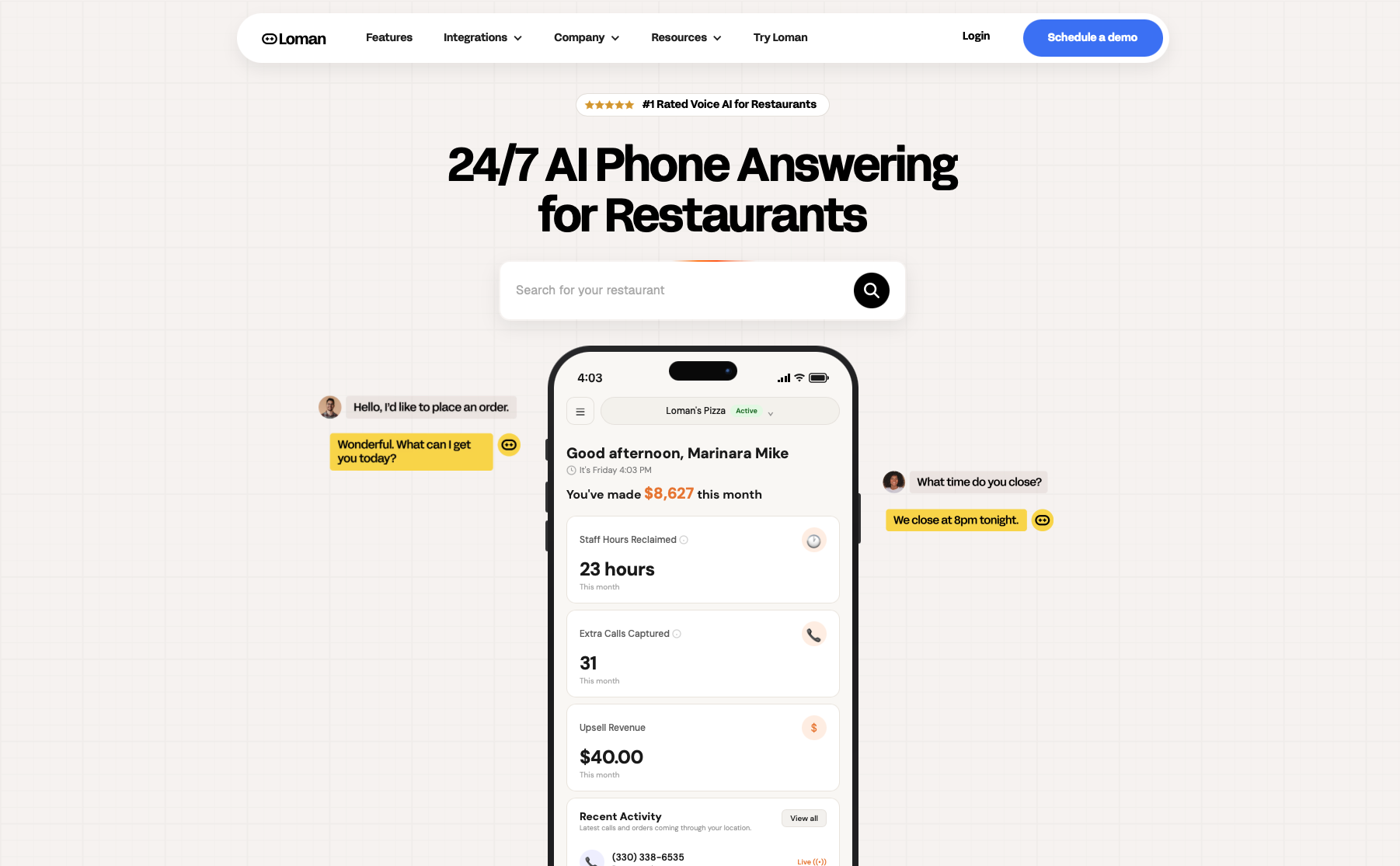
Open source POS systems give restaurants control over hardware, software, and cost, but none of them answer the phone. A Friday night call volume spike means someone stops what they are doing to take the order by hand, or it goes to voicemail and the order is lost.
Loman is a 24/7 voice AI phone agent built for restaurants that fills that gap, answering every call instantly, taking the full order with upsells, booking reservations, taking payment in-call, and pushing a completed ticket straight to the kitchen.
Loman connects directly to Square, Toast, Clover, SpotOn, and Olo. None of the open source systems covered here appear on that list, so confirm compatibility in a demo. Restaurants on Toast can learn more about an AI phone agent for Toast, and those on Square can review AI phone agents for Square.
General business phone systems route the call to a person who has to key the order in by hand. A phone system that integrates with Toast or Square at the order level needs a purpose-built restaurant voice AI. Loman integrates directly with Square and Toast, completing calls as full POS transactions synced to your live menu and 86 list.
A busy Friday night needs a voice AI that answers instantly, takes the full order with upsells, confirms delivery and payment, and sends the ticket to the kitchen. Loman handles unlimited simultaneous calls and integrates directly with Square, Toast, or Clover. Midland Pizza Co. estimates it would lose over $200,000 a year in orders without it.
Several do. Floreant runs on an embedded local database and works offline, while Odoo syncs transactions once connectivity returns. Cloud-dependent features, such as online ordering or a phone AI agent like Loman, still need a connection.
Not on their own, since none of them answer the phone. Loman is a voice AI phone agent that works alongside a POS, with verified integrations for Toast, Square, Clover, SpotOn, SkyTab, Aloha by NCR, Olo, Stream, and OpenTable. None of the open source systems here appear on that list, so confirm compatibility in a demo.
Floreant lists kitchen display integration among its core features. For TastyIgniter, UniCenta, SambaPOS, and Odoo, check each project's documentation for KDS modules or plugins, since open code lets a team build the connection without vendor permission.
Open source POS systems put your code, hardware, and costs back in your hands. Floreant suits a food truck, TastyIgniter fits multi-location online ordering, UniCenta covers barcode-heavy inventory, SambaPOS V3 offers workflow tweaks (though it is no longer actively developed), and Odoo suits operators who want accounting and CRM together. Pick the one that matches your biggest constraint. None of them answer the phone, so the Friday rush still pulls someone off the floor. Loman, a voice AI phone agent for restaurants, works alongside your POS, taking the full order with payment on the call and pushing a clean ticket to the kitchen. Crust Pizza's owner says it paid for itself in 10 days. Loman connects directly to Square, Toast, Clover, SpotOn, and Olo, so confirm compatibility with your setup first. When you're ready, book a Loman demo and test it against your own menu before your next dinner rush.
Enter your information in the form to receive a call from Loman and place an order like a customer would!

