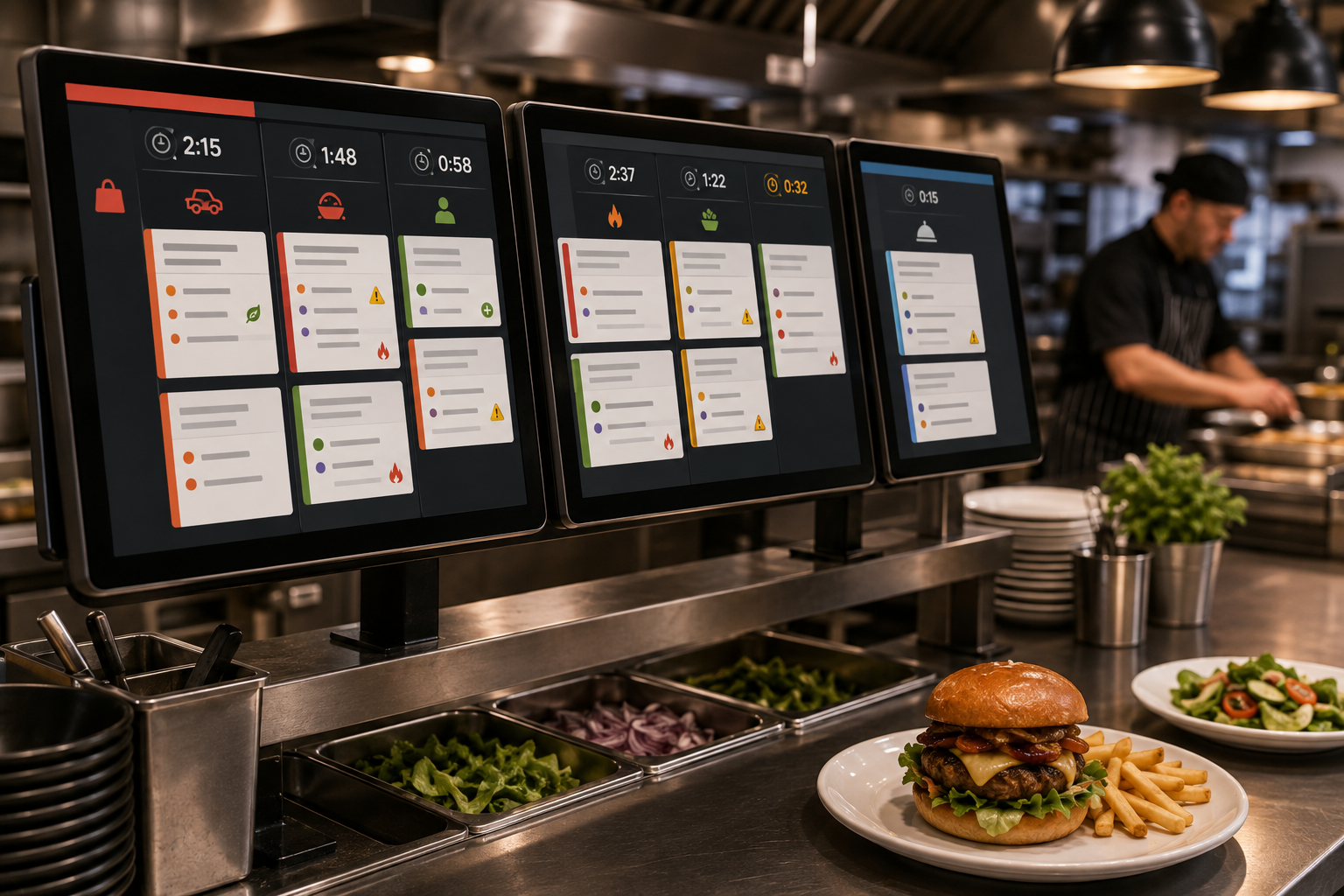
When orders hit from the dining room, delivery apps, and online channels at the same time, your kitchen needs routing that never slows down or depends on someone sorting tickets by hand. We go through today’s top kitchen display systems to see which systems keep pace during real rush-hour pressure, directing every order to the correct station, keeping tickets clean, and giving your team a clear view of what needs to fire next. After testing them side by side, these six options stood out for handling multi-channel routing with accuracy, speed, and reliability.
TLDR:
A kitchen display system is digital software that replaces paper tickets in restaurant kitchens. Instead of printing orders on receipt paper, a KDS shows incoming tickets on screens mounted at prep stations, expo lines, or cooking areas.
The system connects directly to your restaurant's POS and third-party delivery channels like DoorDash, Uber Eats, and Grubhub. When a customer places an order through any channel, the KDS instantly routes it to the right kitchen station based on menu item, preparation type, or workflow rules you set.
| KDS System | POS Compatibility | Hardware | Standout Feature |
|---|---|---|---|
| Toast KDS | Toast POS (native) | Proprietary Toast terminals | DoorDash & Uber Eats orders in one queue, no middleware |
| Square KDS | Square for Restaurants POS | Off-the-shelf Android displays | Lower upfront cost; works on consumer tablets |
| Lightspeed KDS | Lightspeed Restaurant POS | Commercial kitchen displays | Synchronized course-fire timing across stations |
| Epson KDS | Most major POS via open API | Commercial-grade Epson displays | Heat, grease & moisture-resistant hardware |
| Fresh KDS | Clover POS (native) | Standard tablets with protective cases | Marketplace install in minutes; budget-friendly |
| TouchBistro KDS | TouchBistro POS (native) | Commercial-grade kitchen touchscreens | Multilingual display support per station |
Toast KDS pulls orders from Toast POS and pushes them to kitchen screens: dine-in, online, and delivery channels all in one queue, no middleware needed. Restaurants using Toast AI phone answering via Loman can route call-in orders directly into this same queue.
Custom routing rules work by menu item, prep station, or order type. Pizzas route to oven stations while salads go to cold prep. Multiple screens can be assigned to specific menu categories or cooking areas.
Kitchen staff see order time, modifications, dietary notes, and countdown timers on each ticket. Completed items get bumped with a tap, while expo staff track real-time progress across all stations.
DoorDash and Uber Eats orders land in the same queue as direct tickets, with no separate tablet and no manual merging.
Square Kitchen Display System runs on off-the-shelf Android displays, which keeps upfront costs lower for small restaurants and food trucks than fully proprietary terminals.
It syncs with Square for Restaurants POS and pulls in orders from in-person, online, and Square Online channels. Tickets route to designated prep stations based on the menu categories you set up.
Kitchen screens display order details, ticket times, and customer instructions. Staff tap items to mark them complete, and the system alerts when orders exceed target prep times.
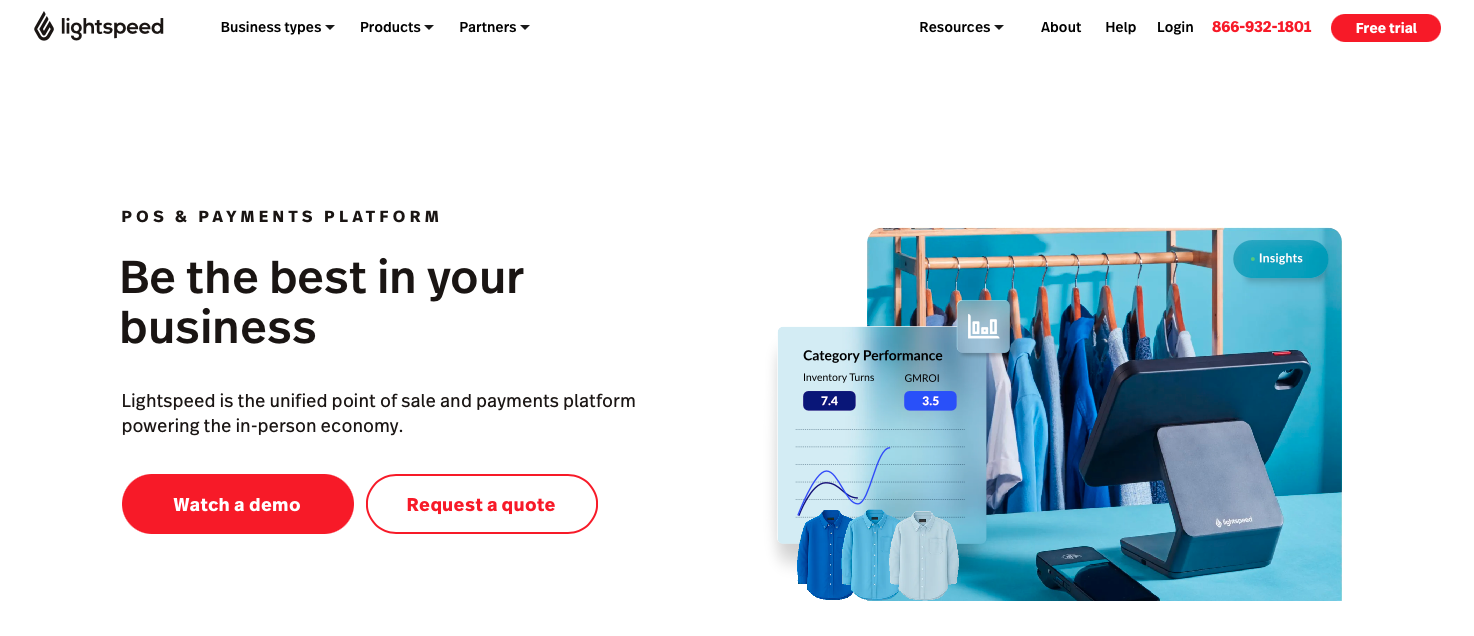
Lightspeed Restaurant KDS pulls orders from DoorDash, Uber Eats, Grubhub, and direct online channels into one kitchen queue. Third-party delivery tickets flow in through Lightspeed's Order Anywhere module, so no extra tablets crowd your expo station.
Routing logic assigns orders by prep station, course timing, or order type. Complex tickets split across multiple stations. Appetizers route to fry stations while entrees go to grill, with synchronized fire times to prevent early or late plating.
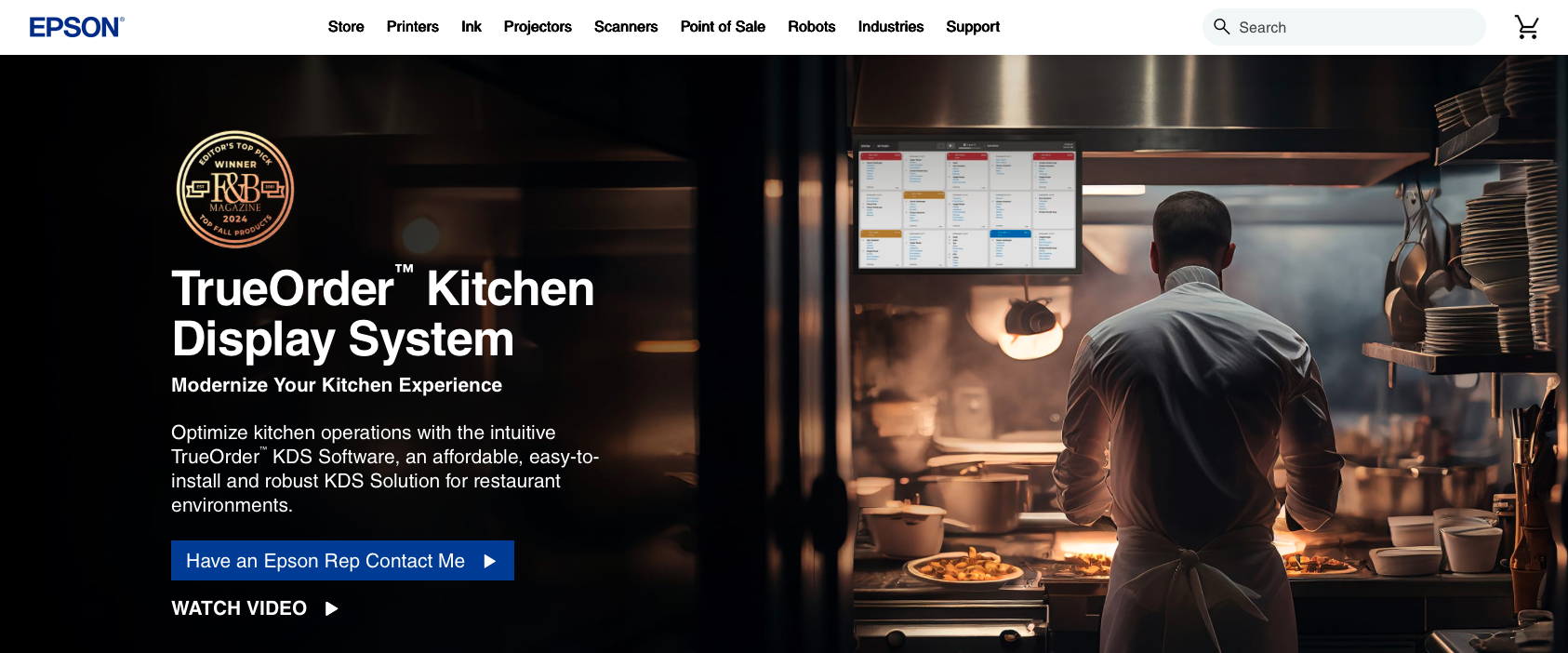
Epson KDS runs on Epson's commercial-grade displays built for restaurant environments. The hardware handles heat, grease, and moisture better than consumer tablets hold up on a busy line.
It syncs with most major restaurant POS providers through open APIs and middleware partnerships. Orders route through your connected POS, with each screen assigned to a specific prep station based on the rules you set in your order management software.
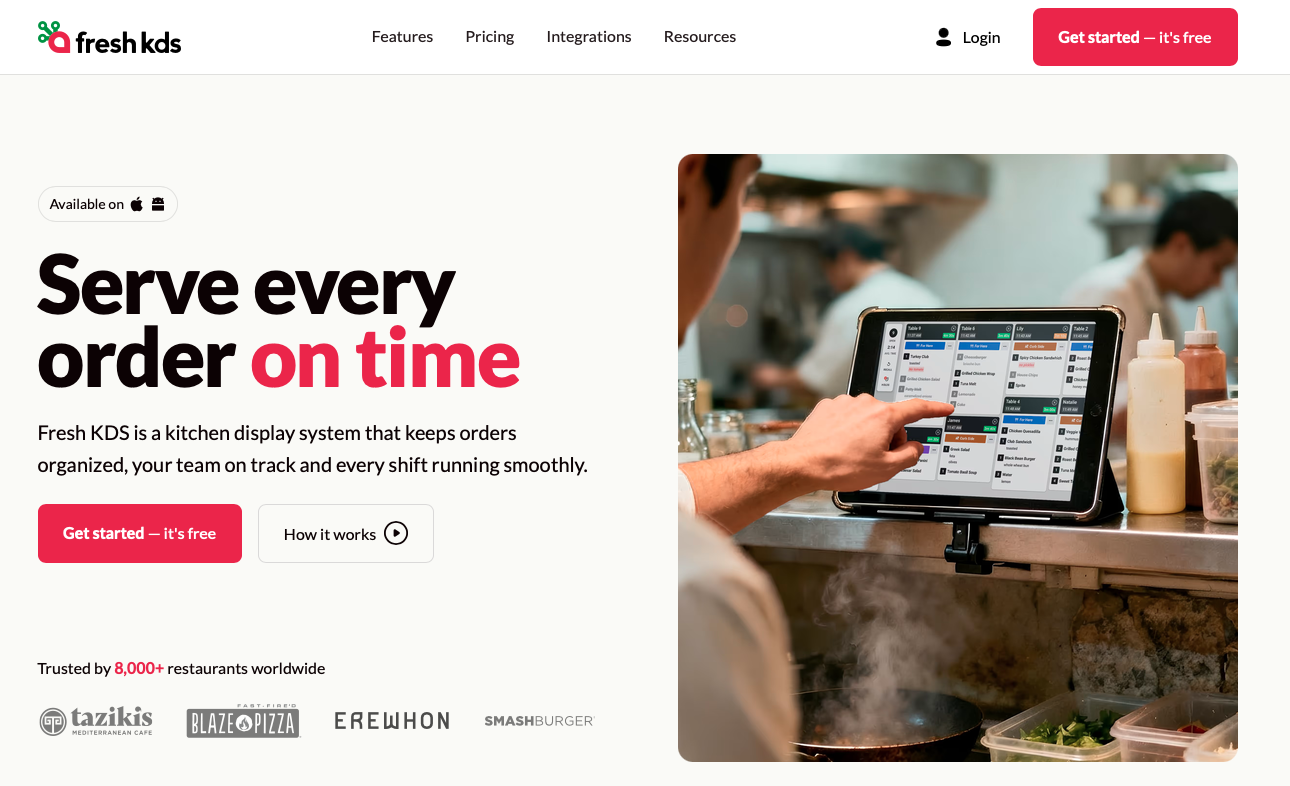
Fresh KDS pulls orders from Clover POS, online ordering channels, and delivery apps straight to kitchen screens, with no middleware required.
Order routing follows Clover's station assignments. You assign menu items or categories to specific screens during setup. Tickets display modifications, timing, and order source for line cooks.
Setup happens through the Clover app marketplace in minutes. Fresh KDS runs on standard tablets with protective cases, reducing hardware costs compared to dedicated terminals. The straightforward pricing and quick deployment work well for small cafes and counter-service restaurants.
Screen configurations scale as your kitchen grows. Each display connects to specific stations or order types through Clover's dashboard.
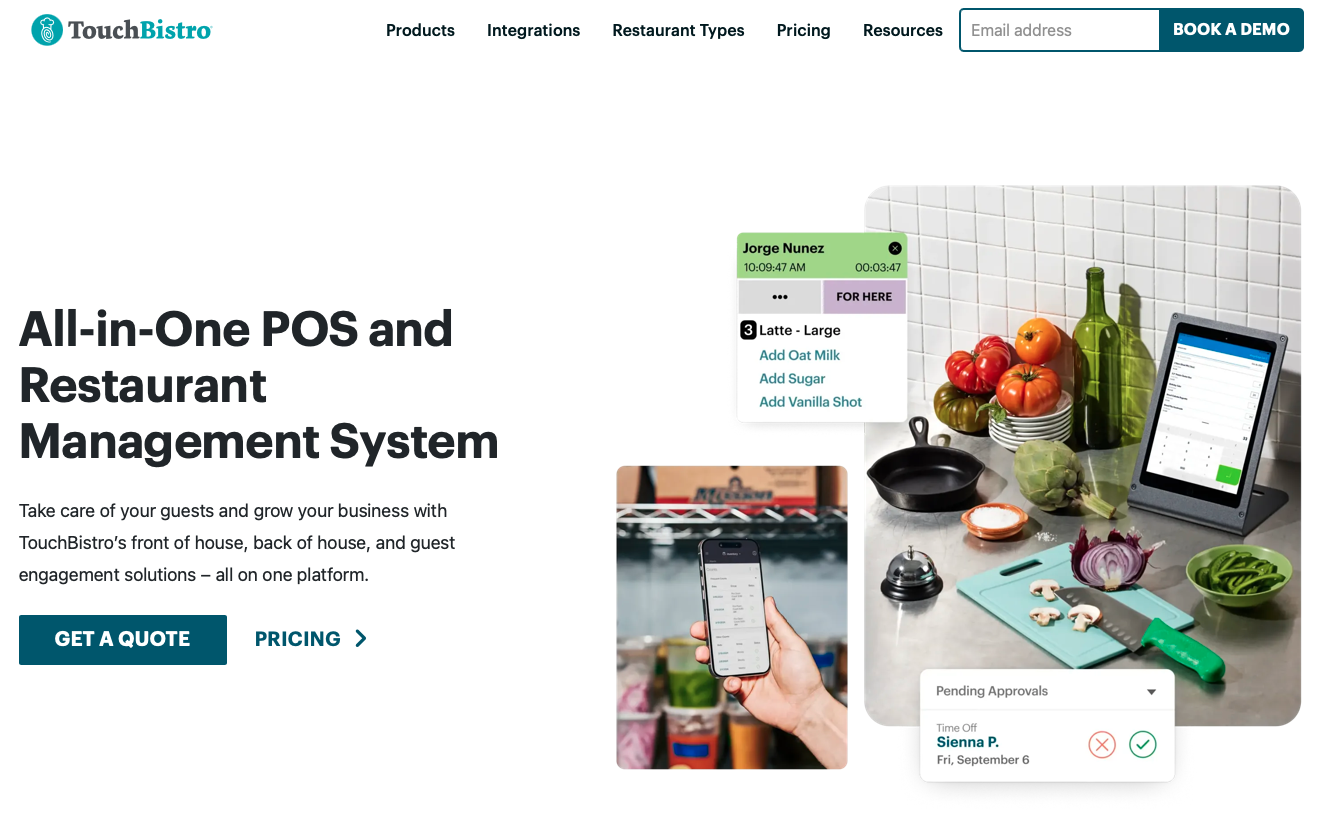
TouchBistro KDS runs on commercial-grade kitchen touchscreens and pulls orders from TouchBistro POS, so tableside orders, online channels, and phone orders all land on the right kitchen screen automatically.
The interface displays tickets with large text, color-coded priority indicators, and swipe gestures that let kitchen staff bump items without handling menus. New line cooks can operate the system with minimal training.
Routing configurations assign tickets by prep station, menu category, or service type. You can split complex orders across grill, salad, and dessert stations with coordinated timing so all items finish together.
Multilingual display support shows tickets in Spanish, French, or other languages based on staff preferences. Each prep station can run a different language while showing identical order information.
Pricing bundles with TouchBistro POS subscriptions, with hardware options designed especially for kitchen environments.
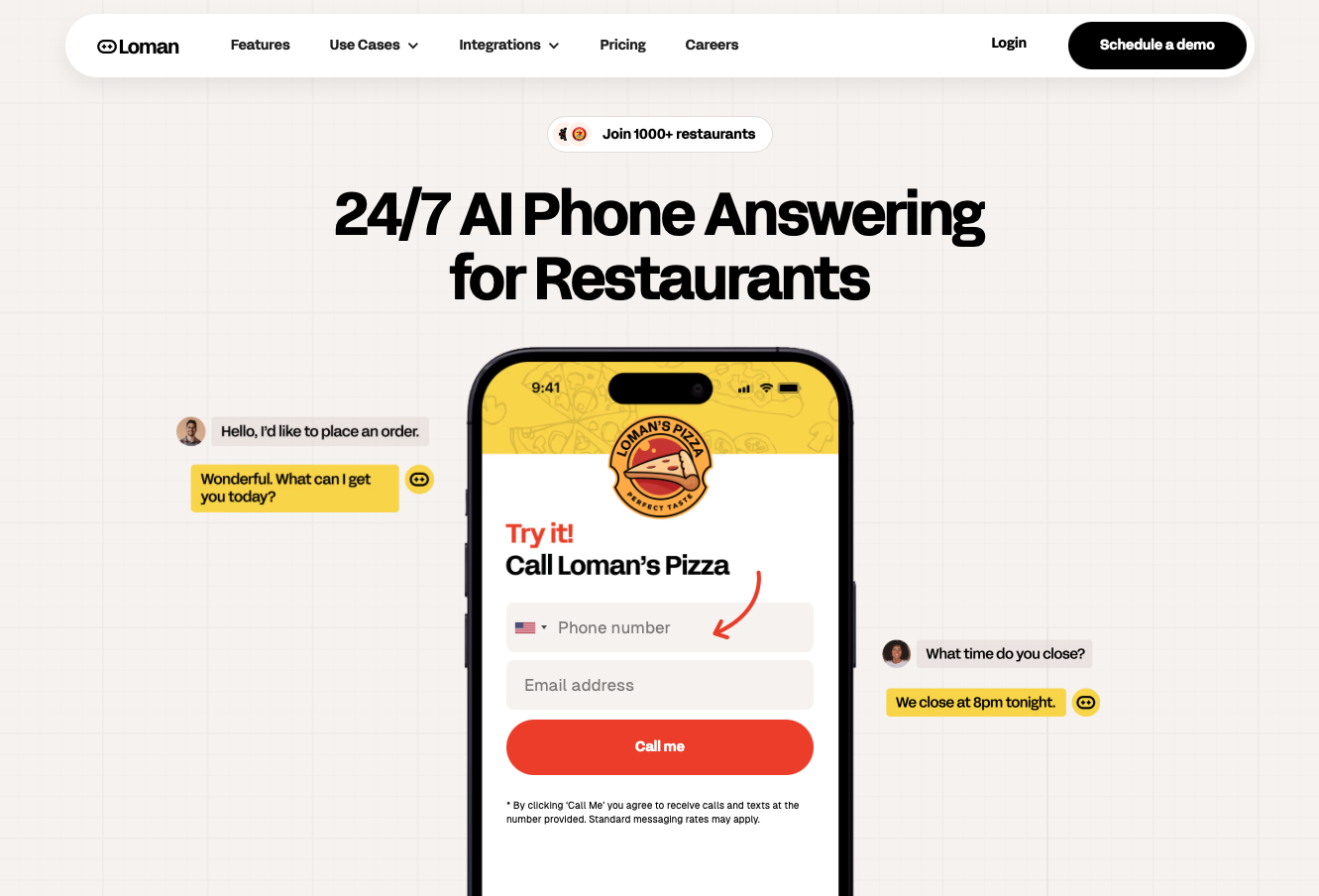
Kitchen Display Systems keep your back-of-house organized, but the quality of your routing depends on the quality of the orders coming in. That's where Loman gives restaurants a major advantage. Loman's 24/7 voice-AI phone agent takes pickup and delivery orders with full menu accuracy, quotes wait times, books reservations, and answers caller questions without sending anything through a third-party tablet. Every call is answered, every order is captured, and your phones never go unanswered during the hours your KDS is busiest.
The difference shows up at the station level. Every order Loman takes arrives already formatted for your POS, complete with modifiers, allergens, special instructions, and payment captured in-call. Loman reads your live menu in real time, so callers never hear an 86'd item offered, and no staffer has to field a correction mid-rush. What reaches your KDS is a clean, accurate ticket with no re-keying in between. Fewer remakes, fewer voids, and stations that can move straight to firing the ticket instead of sorting out what a caller actually wanted.
Those tickets also tend to run larger. Loman's built-in upsell engine suggests add-ons and popular combos during every call, in the same way a well-trained counter staffer would. Phone orders average $48 compared to $41 for online orders, and the ones that come through Loman arrive pre-formatted with every item and modifier already specified. Your KDS and your team see the same clean ticket, just at a higher average value per order.
Tony Boloney's reports capturing 75 to 100 extra orders per month per location that would otherwise have been missed calls. Midland Pizza Co. estimates it would lose over $200,000 a year without Loman covering the phones. DeCheco's now runs with one fewer front-of-house staff member while revenue keeps growing. Those results don't come from adding back-of-house headcount. They come from fewer gaps in the order queue and cleaner tickets on the screen.
For restaurants juggling high call volumes, busy rush periods, and multi-channel ordering, pairing a KDS with Loman creates a direct line from phone to POS to kitchen screen. With fewer manual corrections, faster handoffs, and no missed calls, teams see tighter execution and more captured revenue during the hours that matter most.
Most KDS platforms cache active orders locally so your kitchen can continue working on current tickets. However, online and delivery app orders won’t come through during an outage. But some POS + KDS setups can continue sending in-house orders over the local network until connectivity returns, so a backup internet connection is worth considering for high-volume operations.
Yes, each of the systems in this guide can be configured so tickets reach the right station automatically, though the routing logic may live in your POS, in the KDS, or in a third-party integration. In practice, you can usually send pizzas to the oven station, salads to cold prep, and delivery orders to a dedicated expo screen without manual sorting, but you’ll need to configure those rules with your POS or KDS provider.
Yes, digital displays remove handwriting interpretation errors and make modifications like "no onions" or allergen warnings more visible than paper tickets. Research from Lavu finds restaurants using digital systems see a 60 to 80% drop in order errors. A Johnson & Wales University KDS review found most operations see fewer remakes and comps within the first month after switching from paper to screens.
Entry-level KDS setups for small restaurants can run as low as $10 to $30 per month when using off-the-shelf Android tablets (like Square KDS), while purpose-built commercial hardware from providers like Epson or Toast typically costs $400 to $700 per screen upfront, plus a monthly software fee. Most restaurants report recovering that investment in three to six months through fewer order errors, faster ticket times, and reduced food waste from remakes.
That depends on the KDS and your POS. Systems like Toast KDS and Lightspeed KDS pull DoorDash, Uber Eats, and Grubhub orders directly into one queue with no extra tablets required, because the delivery channels connect through the POS itself. If your POS does not have native delivery integrations, you may still need a middleware tool or a separate tablet per app, so it is worth confirming delivery channel support with your POS provider before choosing a KDS.
The right kitchen display system pulls every order into a single, organized view so your team can move faster, avoid errors, and keep service steady even during peak hours. Once tickets appear instantly on screen, already routed to the correct station, your kitchen gains the clarity and speed that paper can’t match. Pair the KDS with tools that support clean routing across every channel, including solutions like Loman, which already sends tightly formatted, POS-ready orders straight into your workflow. Choose a setup that syncs smoothly with your POS, fits your menu’s routing needs, and feels intuitive for staff on day one. A well-matched system quickly pays for itself by tightening execution, reducing mistakes, and keeping orders moving exactly when it matters most.
Enter your information in the form to receive a call from Loman and place an order like a customer would!

