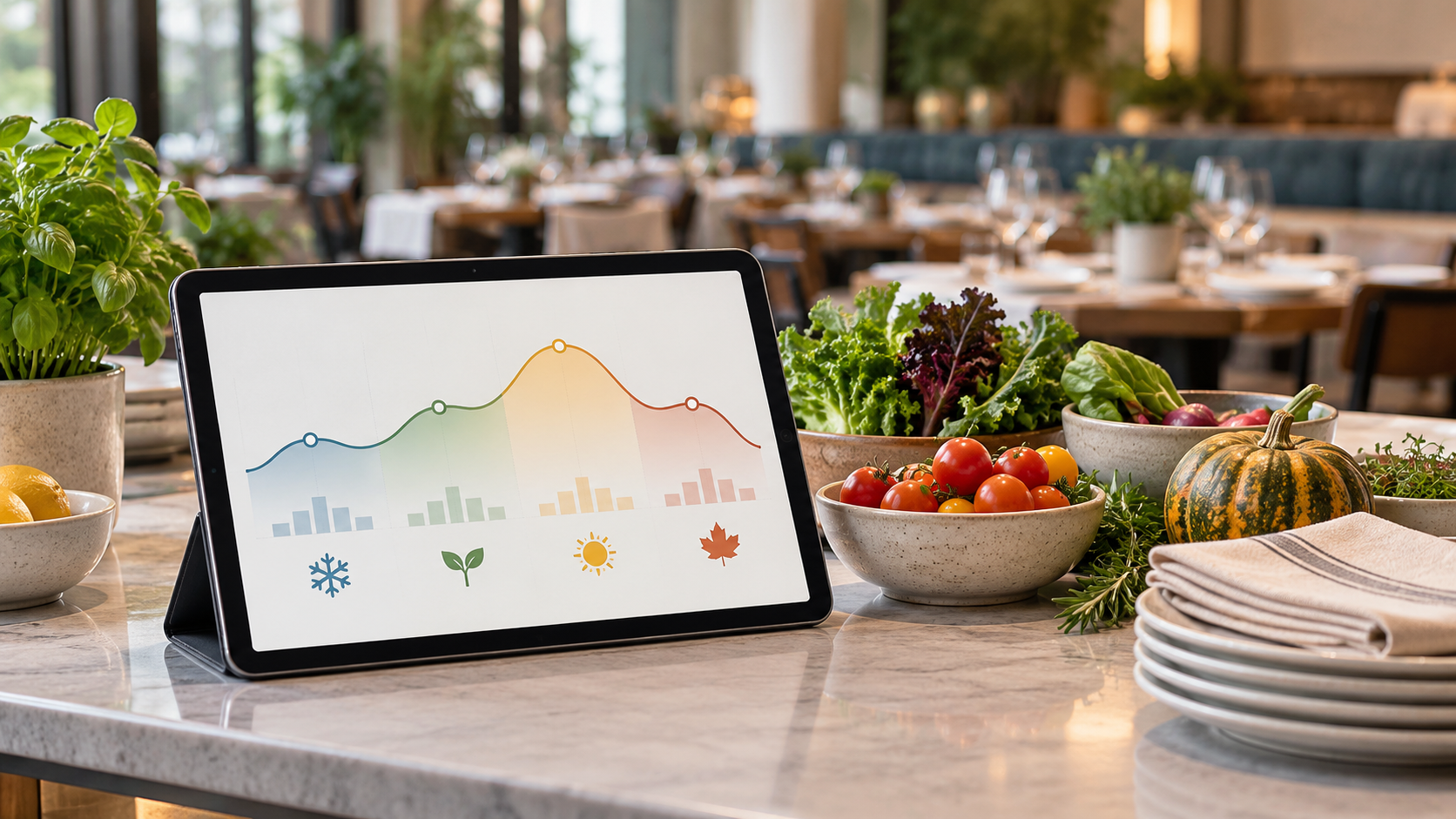
Restaurants run on rhythm, and that rhythm changes with every season. The slow crawl of January, the bounce-back of March, the summer surge that can stretch a kitchen to its limits: each one demands a different set of moves from operators who want to protect margins and capture revenue. AI demand forecasting gives restaurants the data to anticipate those changes days or weeks ahead, turning seasonal guesswork into actionable numbers for prep, staffing, and ordering.
TLDR:
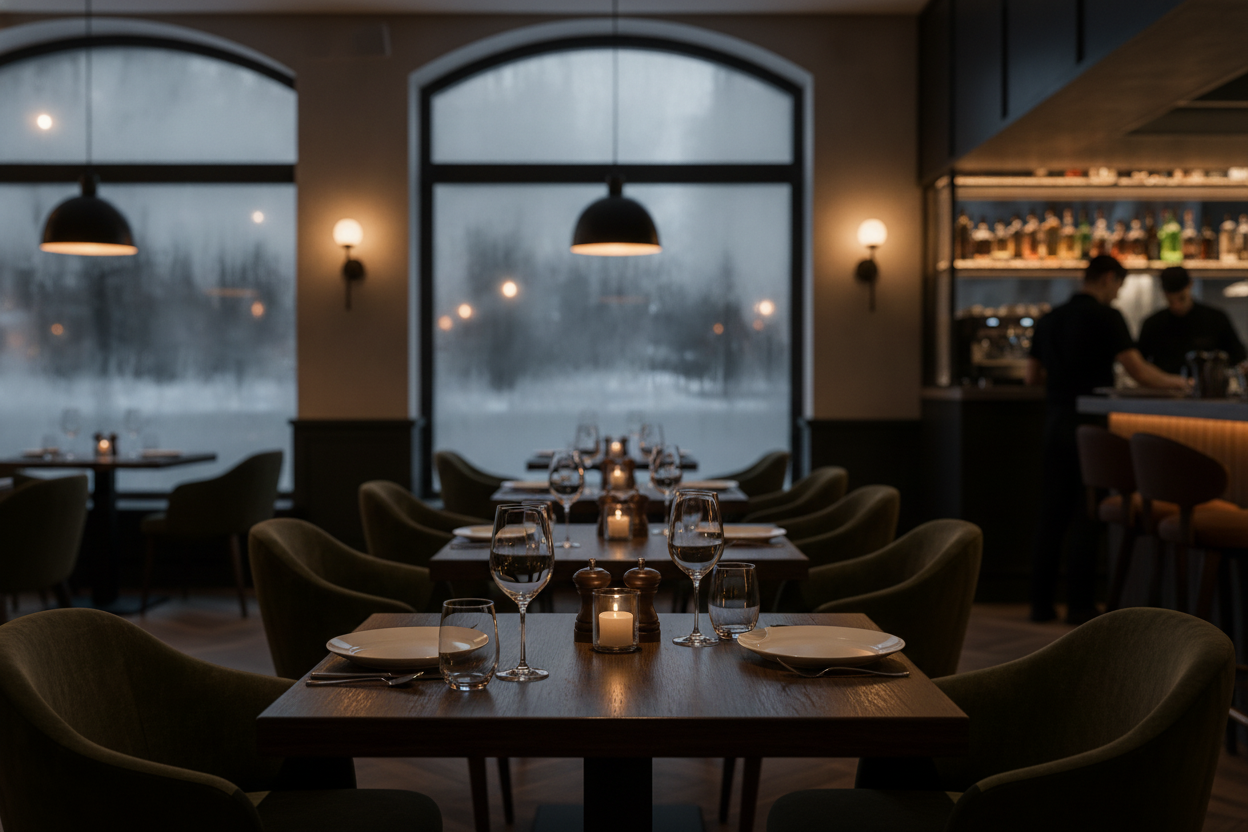
In December and January, restaurants often get fewer customers due to colder weather and post-holiday spending pullback. According to National Restaurant Association 2026 data, restaurants typically make 10-15% less money from November through January, though results vary by market and concept type.
In one illustrative scenario, a pizzeria in Boston faced a recurring challenge: post-holiday traffic drops were unpredictable enough that the kitchen was over-prepping by 20% each January. The AI analyzed three years of POS data, local temperature records, and school-calendar events, then forecast 64 covers on the second Tuesday of January, down from a 91-cover baseline. The kitchen cut prep quantities accordingly, reduced food waste by 21%, and trimmed labor by an estimated $680 that week alone.
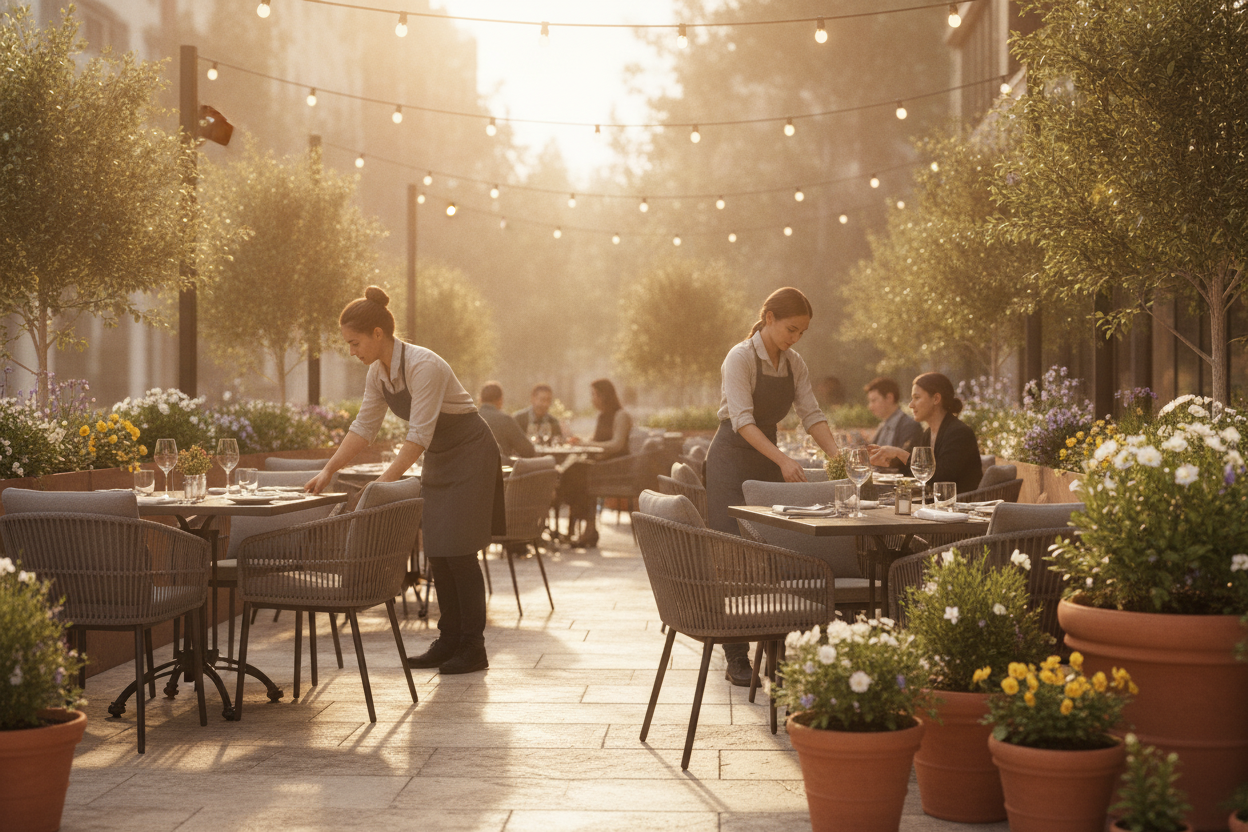
When March and April come around and temperatures start climbing, restaurants begin to see more customers. Typically, restaurants earn 5-8% more in the spring.
A fast-casual chicken concept in Nashville struggled to time its patio reopening and spring menu launch. Guessing too early left staff idle; guessing too late meant turning away covers. The AI cross-referenced two years of sales data, 10-day weather forecasts, and local school spring-break schedules, predicting a 94-cover Saturday in the third week of March versus a 71-cover baseline. The operator opened the patio one week ahead of plan, introduced three spring menu items in advance, and captured a 7% revenue lift, an extra $3,100 over the prior four-week average.
Summer is the busiest time for restaurants, with National Restaurant Association seasonal benchmarks suggesting sales can increase 20-30% due to warmer weather, vacations, and local events, though results vary by market and concept type.
A seafood restaurant in San Diego faced its toughest forecasting problem around the July 4th weekend, when tourist volume, local events, and walk-in traffic collided in ways that gut instinct consistently got wrong. The AI analyzed three summers of hourly POS data, the city's event calendar, and regional tourism patterns, predicting 183 covers on the Saturday of July 4th weekend versus a 124-cover baseline. The operator scheduled four additional servers, pre-ordered 35% more fresh catch, reduced mid-service stockouts to zero, and posted its highest single-day revenue of the year, up $4,800 over the prior July 4th.
Each seasonal pattern demands a different response: cutting waste and trimming labor in winter, timing menu launches and patio openings in spring, and scaling staffing and supply orders in summer. AI forecasting gives restaurants the lead time to make those moves with confidence instead of reacting after the shift has already started.
Artificial intelligence (AI) and machine learning are changing the game for how restaurants can predict what they'll need in terms of food and staff. The same pattern-recognition capabilities that power forecasting also drive staffing, ordering, and customer-facing automation, giving restaurants the right amount of ingredients and people working, without too much or too little. For a broader look at how these capabilities extend across restaurant operations, see how AI in restaurants works.
Some key ways AI is making a big difference include:
Hourly AI forecasting goes beyond daily totals, pinpointing peak cover windows so managers can adjust staffing before a shift starts. One casual-dining operator cut over-scheduling during slow afternoon dayparts by 14%, trimming roughly $520 in unnecessary labor per week.
Tools from companies like Impact Analytics use AI to automatically generate purchase orders based on forecasted demand, live inventory levels, and supplier lead times, with no manager pulling reports or building spreadsheets. When purchase quantities tie directly to hourly cover forecasts instead of gut estimates, over-ordering on perishables typically drops 15-20%, and out-of-stock incidents during peak service fall sharply.
Accurate AI forecasting tightens every line item that touches a seasonal shift. On the supply chain side, you order closer to what you will actually use, cutting perishable waste (restaurants and foodservice generated 12.5M tons of surplus food in 2024, per ReFED). Staffing sharpens to the hour, which is one of the fastest ways to reduce restaurant labor costs. Menu planning improves because you know which items will move before the week starts. Marketing campaigns land better when you know the busy windows in advance. And guests get a better experience when the right prep quantities and crew are already in place before the rush arrives.
Your forecasts are only as good as what you feed them. Pull from your POS, inventory, and scheduling systems automatically where possible, since a restaurant AI POS integration makes this smooth and automatic. Aim for 12-24 months of history at hourly granularity, with missing data points below 5% across all variables before training any model.
Key Data Variables for Accurate Forecasting
The more precise your inputs, the sharper your forecasts. Focus on these eight data points:
Data Quality Standards
Raw data isn't enough; it has to meet minimum quality thresholds before AI can use it reliably. Aim for at least 12-24 months of historical data to capture full seasonal cycles; collect at hourly granularity during peak periods so the model can resolve lunch and dinner demand separately; keep missing data points below 5% across all variables; and enforce standardized formats across systems so your POS, inventory, and scheduling platforms speak the same language. Sharper data does more than improve the forecast number: it determines whether the model can distinguish a genuine Tuesday slowdown from a data gap, and whether staffing and ordering recommendations are actionable or noise.
Once you have your data, you need to pick the best AI tool for forecasting. Use the table below to compare the leading options across key criteria. Match each tool's "Best For" column to your restaurant's size and complexity before committing to a demo or trial.
| Tool Name | Key Features | Best For | Integration Capabilities | Pricing Model |
|---|---|---|---|---|
| 5-Out | Real-time POS integration, hourly demand forecasts, automated labor and ordering recommendations | Independent and multi-unit restaurants seeking turnkey demand forecasting | Toast, Square, Clover, QuickBooks | Subscription, per-location pricing |
| MarketMan | Inventory tracking, automated purchase orders, food cost analysis | Cost-conscious operators focused on inventory and waste reduction | Toast, Lightspeed, Upserve, QuickBooks | Subscription, tiered by feature set |
| C3 AI | Enterprise-grade demand forecasting, multi-variable ML models, scenario planning | Large chains and enterprise restaurant groups with complex data environments | SAP, Oracle, Salesforce, custom ERP systems | Enterprise contract, custom pricing |
| Impact Analytics | Automated demand planning, promotional lift modeling, supply chain optimization | Multi-location groups and franchises managing complex supply chains | Oracle, SAP, Microsoft Dynamics, custom APIs | Enterprise contract, per-module pricing |
| Lunchbox | Guest data analytics, sales trend forecasting, loyalty-driven demand insights | Fast-casual and QSR brands focused on digital ordering and guest retention | Toast, Olo, Stripe, Punchh | Subscription, per-location pricing |
Use forecasts to drive three decisions each week: what to prep and order, how many staff to schedule at each daypart, and when to run promotions. Then close the loop: compare each forecast against what actually happened, adjust for any data gaps or new variables, and apply model updates as they roll out. Accuracy compounds over time when you treat the forecast as a living tool, not a set-and-forget report.
Getting AI forecasting off the ground comes with three common hurdles.
Messy or incomplete records produce weak forecasts. Audit your last 90 days of POS data for gaps before onboarding any tool, and connect your POS, inventory, and scheduling systems into a single pipeline to cut manual exports and copy-paste errors.
Restaurant-focused tools typically run $200-$600/month for independents and $800-$2,000/month for multi-unit groups. Start with one location or one daypart, validate accuracy over 60-90 days, and present the waste and labor savings side-by-side with the subscription cost before rolling out further.
Run a 30-day pilot with a data-curious manager, hold a brief weekly results session tied to real forecasts from your own operation, and track forecast accuracy alongside food waste and labor hours week over week. Visible numbers move skeptics faster than any top-down mandate.
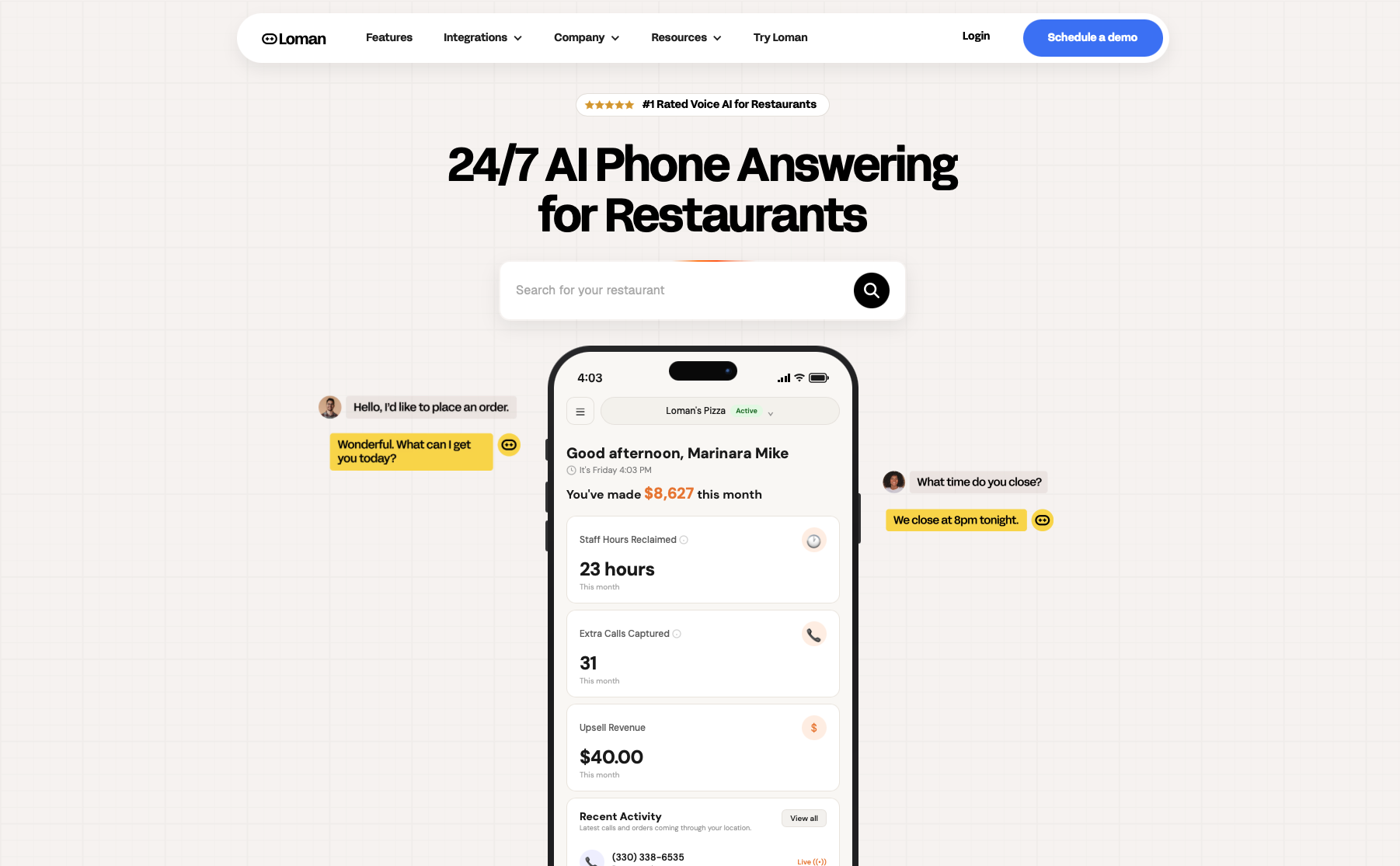
Demand forecasting tells you when the rush is coming, but it cannot answer the phone when it does. During a predicted surge, call volume rises at the same moment staff are stretched thinnest. Loman AI handles that gap, answering every inbound call 24/7, taking pickup and delivery orders, and pushing tickets directly to your POS. It syncs with your menu in real time, so callers hear accurate item availability even on a busy July 4th weekend. Operators using Loman have reported up to 22% higher phone revenue and up to 17% lower labor costs, figures that carry even more weight when the kitchen is already running at a forecast-calibrated level of prep. See it in action at loman.ai/demo.
Operators using Loman have reported up to 22% higher phone revenue and up to 17% lower labor costs, results that compound when the kitchen is already running at a forecast-calibrated level of prep. See it in action at loman.ai/demo.
Accuracy depends heavily on data quality and history. Restaurants with two or more years of clean, complete records, covering hourly sales, weather, events, and promotions, typically achieve 85 to 95% forecast accuracy. Operators working with incomplete or inconsistently formatted data tend to land in the 70 to 80% range. Closing data gaps before onboarding an AI tool is the fastest way to improve forecast quality.
Setup typically takes two to three weeks for a single location with a modern cloud POS, and six to eight weeks for multi-unit groups on legacy systems. Pricing generally runs $200 to $600/month for independents and $800 to $2,000/month for multi-unit operators. See the Technical Requirements and Software Costs sections above for a full breakdown.
Start with a 30-day pilot using one or two managers who are already data-curious. Run brief weekly results-sharing sessions where they walk the team through one concrete outcome, such as a shift that was correctly staffed or an over-order that was avoided. Tie training to real forecasts your restaurant has already generated, not vendor demos. A simple dashboard tracking forecast accuracy, food waste cost, and scheduled-versus-actual labor hours week over week turns early skeptics into advocates faster than any top-down mandate.
The operators who handle seasonal swings best are the ones who stop reacting and start preparing. AI demand forecasting gives you that preparation: a concrete cover projection built from your own POS history, local weather, and event data, ready before the shift begins. Pair it with phone coverage that holds up during predicted surges and you go into every season with the right prep, the right crew, and fewer dollars left on the table. Book a demo at loman.ai/demo and see Loman running on your menu before the next rush hits.
Enter your information in the form to receive a call from Loman and place an order like a customer would!

